In This Article
6 sectionsQuick answer
Claude vs ChatGPT for images: ChatGPT generates and edits pictures, Claude can't — but Claude reads and analyzes images brilliantly. Which to use for what.
Key takeaways
- The split is clean: ChatGPT generates and edits pictures; Claude cannot draw a single one — but Claude is often the stronger reader of screenshots, charts, and diagrams.
- ChatGPT's editing loop — upload an image and iteratively change elements — has no Claude equivalent, and it also handles readable in-image text and consistency across a series.
- Claude's vision reads small text in screenshots, follows flowchart lines, compares design versions, and pulls numbers out of chart images to reason about them.
- Claude's one visual output is code: SVG icons, charts, and diagrams rendered in artifacts — editable markup rather than flat pixels, often cleaner for structured graphics.
- Run them as a pipeline, not a contest: make the visual in ChatGPT, then hand it to Claude to critique it, extract its text, or convert a mockup into working front-end code.
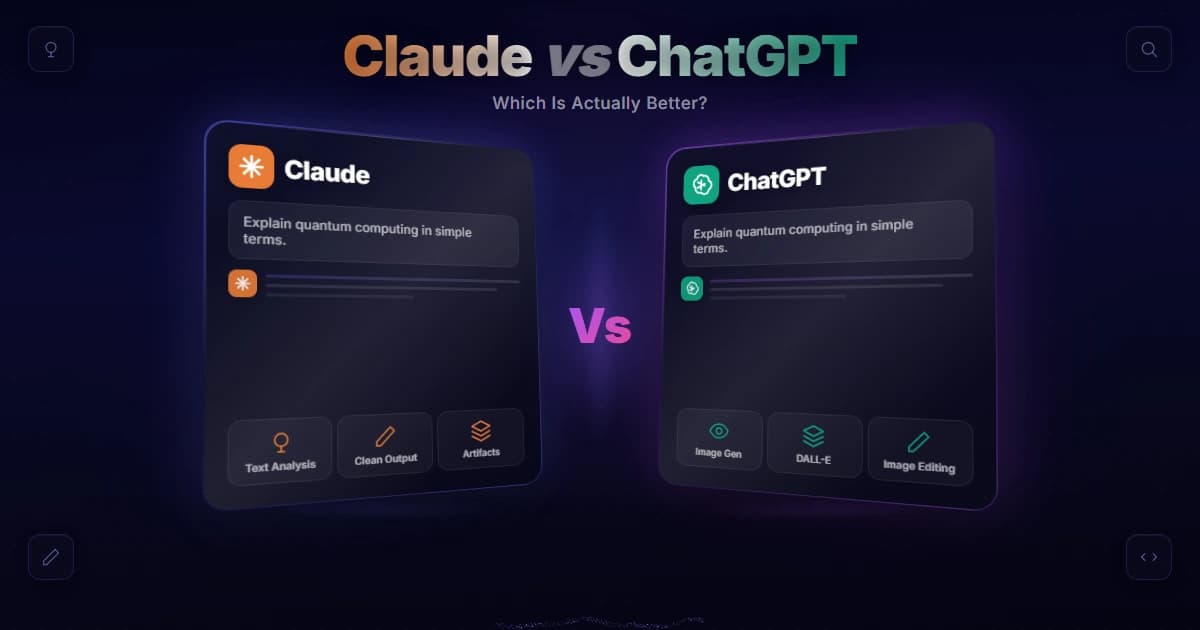
Claude vs ChatGPT for images comes down to one big split: ChatGPT can generate and edit pictures, and Claude can't. But Claude is outstanding at reading images — screenshots, charts, diagrams, photos. So if you want to make pictures, use ChatGPT; if you want to understand them, Claude is arguably the better choice.
Vision capabilities verified 31 July 2026 against Anthropic's vision documentation.
"Which is better for images" is one of the most common questions people ask when choosing between the two, and the honest answer isn't "one wins." It depends entirely on whether you mean creating images or interpreting them. Claude currently spans models like Opus 5, Sonnet 5, and Haiku 4.5, and every one of them can read an image while none of them can draw one — a split that has held steady across releases. This guide breaks down Claude vs ChatGPT for images on both fronts — generation and analysis — with a quick comparison table, concrete examples, and an FAQ, so you know exactly which tool to reach for and, just as importantly, why.
Key takeaway
For images the split is clean: ChatGPT generates and edits pictures while Claude cannot, but Claude's vision reads screenshots, charts, and diagrams with strong accuracy — use ChatGPT to make images and Claude to understand them.
Claude vs ChatGPT for images: the short answer
Two different jobs hide inside the word images. ChatGPT wins generating and editing pictures outright, because Claude can do neither. Claude wins analyzing and describing them, reading screenshots, charts, and diagrams with real reasoning attached.
There are two completely different jobs hiding inside "images," and the winner flips depending on which you mean:
| Task | Best tool | Why |
|---|---|---|
| Generate a picture from a prompt | ChatGPT | Claude can't generate images at all |
| Edit or iterate on an image | ChatGPT | Upload and ask it to change elements |
| Analyze / describe an image | Claude | Strong vision + reasoning about what it sees |
| Read a screenshot, chart, or diagram | Claude | Excellent at extracting meaning and detail |
So the Claude vs ChatGPT for images debate isn't really a head-to-head — it's a division of labor. It's the single most useful thing to know here: one tool makes pictures, the other reads them. Keep that split in mind and the rest of this guide is just detail.
Making pictures: ChatGPT wins
Claude is not in the running here. It has no native image generation, so there is no equivalent to ChatGPT's iterate-on-upload loop, its readable in-image text, or its consistency across a series. If the deliverable is a finished picture, use ChatGPT.
If your goal is to create a picture — a logo concept, an illustration, a photorealistic scene — ChatGPT is the answer, and Claude isn't in the running. As of now, Claude has no native image generation, and our deep dive on why Claude can't generate images explains the architectural reason it isn't a missing feature Anthropic simply forgot to ship. ChatGPT generates images directly in the chat, with particularly strong results for photorealistic output and precise prompt-following, and it lets you upload an image and ask it to modify specific elements for iteration.
That editing loop matters. When you're refining a visual — "make the background blue, remove the text, try it wider" — ChatGPT keeps iterating, and there's simply no Claude equivalent. It's also strong at putting readable text inside images, following detailed style instructions, and keeping results consistent across a series — the things marketers, designers, and content creators lean on daily. None of that has a counterpart in Claude, so on the generation half of Claude vs ChatGPT for images, it's a clean win for ChatGPT: if the deliverable is a finished picture, Claude isn't the tool.

Reading pictures: Claude shines
Hand Claude a screenshot, a dense chart, an architecture diagram, a UI mockup, or a whiteboard photo and it reads small text, follows flowchart lines, compares design versions, and pulls numbers out of charts to reason about them.
Flip the task around and Claude vs ChatGPT for images tilts the other way. Claude's vision is one of its real strengths — Anthropic documents its image support in detail — so hand it a screenshot of an error, a dense chart, an architecture diagram, a UI mockup, or a photo of a whiteboard, and it reads and reasons about the content with impressive accuracy.
The accuracy is what makes it useful in practice. Claude will read small text in a screenshot, follow the lines of a flowchart, compare two versions of a design, or pull numbers out of a chart image and reason about them. For anyone who works with visual information — reviewing dashboards, debugging UIs, digitizing handwritten notes — that analytical depth is where Claude beats ChatGPT on images, even though it can't draw a single one.
This is where a lot of practical work actually lives. "Explain this chart," "what's wrong with this UI," "turn this mockup into code," "extract the data from this table image" — these are analysis tasks, and Claude handles them extremely well. For example, you can paste a screenshot of a failing build log and ask Claude to name the 3 lines that matter, or drop in a photo of a whiteboard and get the sketch back as a working diagram in a single pass. Both tools can look at an image, but for careful reasoning about what's in one, Claude is frequently the stronger reader. If you're a developer, our guide on whether Claude Code can take pictures shows how that same vision powers screenshot-driven coding.
What Claude can create visually
One honest asterisk: Claude cannot produce a photo or a painting, but it writes the code that draws structured visuals — SVG icons, charts, diagrams, and small interactive pieces rendered live in artifacts. The output is editable markup, not flat pixels.
"Claude can't generate images" needs one honest asterisk. Claude can't produce a photo or a painting, but it can create structured visuals through code: clean SVG graphics, charts, diagrams, and even small interactive visualizations, rendered live in Claude artifacts. Ask it for "an SVG icon of a rocket" or "a bar chart of this data" and it writes the markup that draws it.
So in the Claude vs ChatGPT for images comparison, the nuance is: for generated art and photos, ChatGPT; for diagrams, charts, and code-drawn graphics, Claude is genuinely capable and often cleaner, because the output is editable code rather than a flat pixel image. Different tools, different kinds of "image."
This is exactly how our own pipeline for this site is wired, which is why the split rings true to us. We generate the photorealistic hero images from scripts through a separate image model, never through Claude, precisely because Claude has no pixel generation. What we do lean on Claude for is the reasoning half of the workflow — writing the generation scripts, checking that an image reads correctly, and producing the clean SVG diagrams — and that division has been the practical takeaway for us rather than expecting one model to do both.

Using both together
Run them as a pipeline rather than a contest. Generate a visual in ChatGPT, then paste it into Claude to critique it, extract its text, or convert a mockup into working front-end code. Or reverse the order for a polished final graphic.
Because the two tools own opposite halves of the image workflow, plenty of people run them side by side rather than choosing. A common pattern: generate the visual in ChatGPT, then paste it into Claude to critique it, extract its text, or turn a mockup into working front-end code. Another: have Claude read a chart and write the analysis, then ask ChatGPT to produce a polished graphic of the conclusion.
Seen that way, Claude vs ChatGPT for images stops being a contest at all — it's a pipeline. ChatGPT is your image maker; Claude is your image reader and reasoner. Knowing which stage you're in tells you which tab to open, and using both is often faster than forcing one tool to do a job it was never built for. If your budget only stretches to one paid plan, our comparison of Claude Pro vs ChatGPT Plus weighs what each subscription actually gets you — both anchor a roughly $20/month tier.
Which should you use?
Let the task pick the tool. ChatGPT to generate or edit a picture. Claude to understand one, or to render a chart or icon as editable code. Both when the job genuinely has a making half and a reading half.
Put simply, the Claude vs ChatGPT for images decision is a decision about the task, not the tool:
- Reach for ChatGPT when you need to generate or edit a picture — marketing visuals, illustrations, photorealistic images, quick iterations.
- Reach for Claude when you need to understand an image — analyzing screenshots, reading charts and documents, turning designs into code, or extracting information.
- Reach for Claude again when you want a chart, diagram, or icon rendered as clean, editable code rather than flat pixels, such as an SVG you can tweak later.
- Reach for both when the job has two halves — make it in ChatGPT, then hand it to Claude to critique, caption, or convert into code.
Many people keep both for exactly this reason — Anthropic's Claude for reading and reasoning, ChatGPT for making. If your broader question is which assistant is stronger overall rather than just on images, see our full is Claude better than ChatGPT breakdown and the head-to-head on the latest models in Claude vs GPT-5. For images specifically, though, let the task pick the tool — that's the whole answer to Claude vs ChatGPT for images.
Frequently Asked Questions

Written by
Edith
Writing about Claude and the Anthropic toolkit — models, Claude Code, pricing, features, and fixes, in clear, practical, hands-on guides tested by daily use.
View all posts →