In This Article
5 sectionsQuick answer
An honest roundup of the best claude code alternatives — Cursor, Copilot, Aider, Codex CLI, Gemini CLI, and Cline — with a comparison table and guidance.
Key takeaways
- The six strongest Claude Code alternatives are Cursor, GitHub Copilot, Aider, OpenAI Codex CLI, Gemini CLI, and Cline — and the real dividing line is CLI vs IDE vs extension, not vendor.
- Aider is the closest open-source cousin: an Apache-licensed terminal pair programmer with deep Git integration that lets you bring any API key or run local models.
- Cursor (an AI-first IDE) and GitHub Copilot (an editor extension) fit developers who want AI inside a graphical editor rather than a terminal loop.
- Gemini CLI's generous free tier makes it the most approachable pick for cost-conscious developers, while Codex CLI is the natural trial for OpenAI-centric stacks.
- Which tool and which model are separate questions — Claude Code itself can route to non-Anthropic models in some setups, and most rivals are free or cheap to trial on real work.
The best claude code alternatives are Cursor, GitHub Copilot, Aider, OpenAI Codex CLI, Gemini CLI, and Cline. Which one fits depends on whether you want a terminal agent, a full IDE, or an editor extension — and whether you prefer a polished subscription or an open-source, bring-your-own-key setup.
Tool line-up verified 31 July 2026 against Anthropic's Claude Code overview.
If you already use Claude Code, Anthropic's agentic coding tool for the terminal, you know how much it changes day-to-day work: you describe a task in plain English, and an agent reads your repo, edits files, runs commands, and iterates. But no single tool is right for everyone. Maybe you live in an IDE. Maybe you want to run your own models. Maybe your team is standardized on a different vendor. This guide is an honest look at the strongest claude code alternatives, what each one actually is, how it differs from Claude Code, and who it suits best — without the hype and without pretending one tool wins for everybody. Anthropic currently ships models like Claude Opus 5 and Claude Sonnet 5, and several of these alternatives — Aider, for example — can point at all of them, so you can compare 3 or 4 model families in about 15 minutes without switching tools. Before writing this up we did it ourselves, which is why the small snags are called out where they actually occur.
Key takeaway
The strongest Claude Code alternatives split by form factor into terminal agents (Aider, OpenAI Codex CLI, Gemini CLI), an AI-first IDE (Cursor), and editor extensions (GitHub Copilot, Cline) — six tools whose real dividing line is CLI versus IDE versus extension, not vendor.
One thing to get straight up front: "alternative" is not a single category. Some of these tools are command-line agents like Claude Code. Others are IDEs or editor extensions that work very differently. And Claude Code itself is flexible — in some setups it can be pointed at non-Anthropic models, so the line between "Claude Code" and "a competitor" is blurrier than the marketing suggests. Keep your real question in mind: do you want a CLI, an IDE, or an extension?
Why look for claude code alternatives at all?
Four honest reasons: you prefer a graphical IDE to a terminal loop, you want open-source software you can inspect and self-host, you already pay for another AI subscription, or you want to bring your own key and control exactly which model runs.
Claude Code is excellent at long, multi-step tasks in a Git-centric, terminal-first workflow. It's fast, it's good at reading large codebases, and it stays out of your editor's way. But there are legitimate reasons developers shop around.
Developers shop around for a few honest reasons:
- You prefer a graphical IDE with inline suggestions over a chat-style terminal loop.
- You want open-source software you can inspect, fork, and self-host.
- You already pay for another AI subscription and don't want a second one.
- You want to bring your own API key and control exactly which model runs and what it costs.
Any of these is a fair reason to evaluate claude code competitors — and the good news is that the space is genuinely strong right now.
The rest of this guide walks through each real contender. For each, you get what it is, how it differs from Claude Code, and who it's best for.
The strongest claude code alternatives, one by one
Six tools cover the realistic field: Cursor and GitHub Copilot in the editor, Aider, OpenAI Codex CLI and Gemini CLI in the terminal, and Cline as an open agent inside VS Code. Each entry says what it is and who it suits.
Cursor — the AI-first IDE
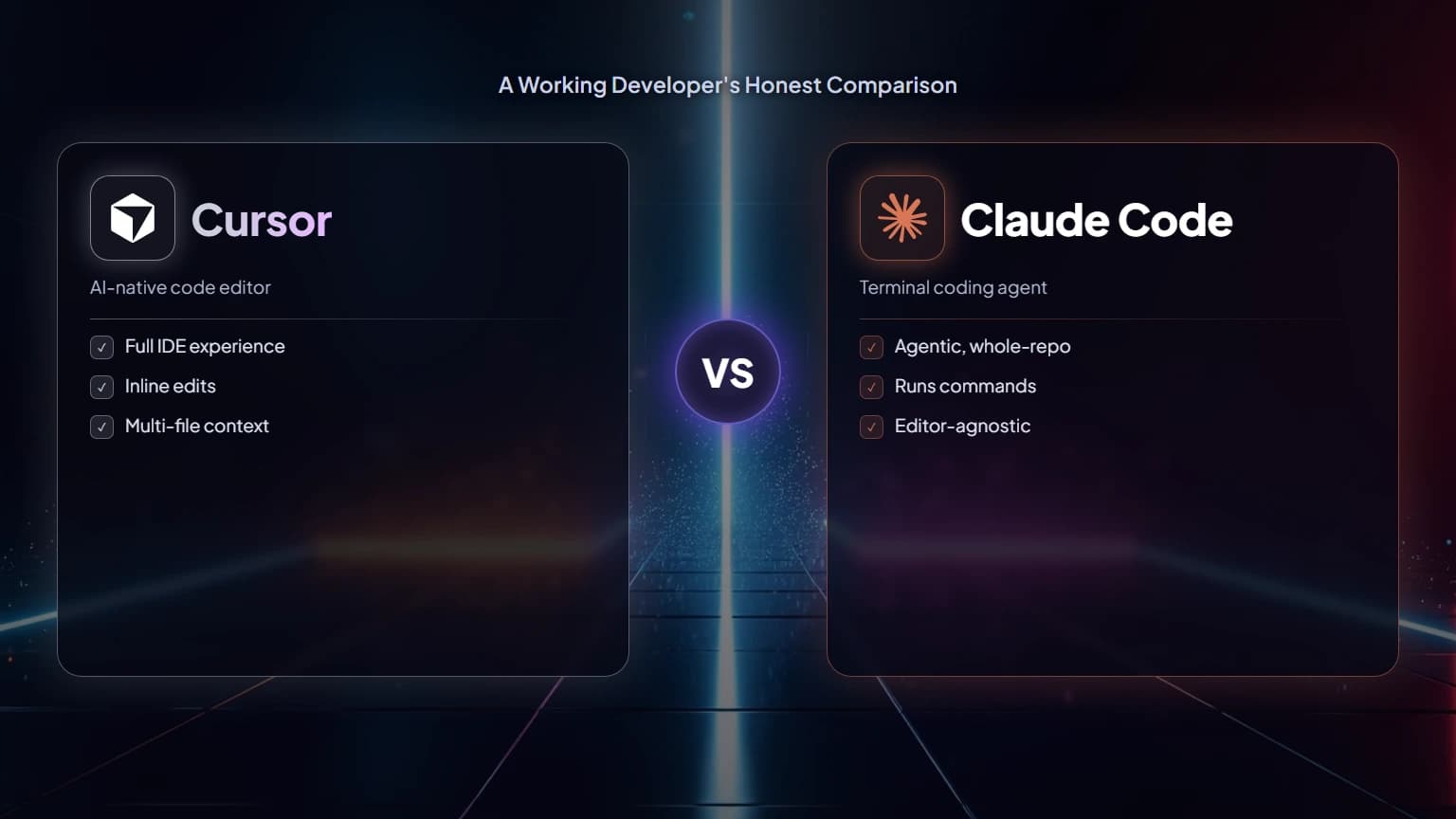
Cursor is a full code editor (a fork of VS Code) built around AI from the ground up. Instead of a terminal loop, you get project-wide awareness, inline autocomplete, an AI chat panel, and an agent mode that can make multi-file edits across your repository. It's the most natural pick if you think of your editor as home base and want AI woven directly into that surface.
How it differs from Claude Code: Cursor is an IDE, not a CLI. You interact through a graphical interface with inline diffs and suggestions rather than a headless terminal agent. It's polished, subscription-based, and optimized for the "stay in your editor" experience. Best for: developers who want a premium, IDE-native experience with strong inline help and agent capabilities. If you're torn between the two philosophies, our Cursor vs Claude Code breakdown goes deeper on the trade-offs.
GitHub Copilot — autocomplete, chat, and agents in your editor
GitHub Copilot is the most widely adopted AI coding assistant, and it has grown well beyond its original autocomplete roots. Today it offers inline completions, a chat interface, and an agent mode, all integrated into popular editors like VS Code and JetBrains IDEs, plus tight ties to GitHub itself for things like pull requests.
How it differs from Claude Code: Copilot lives inside your editor as an extension rather than running as a standalone terminal agent. Its biggest strengths are ubiquity, ecosystem integration, and a gentle learning curve. Best for: teams already on GitHub who want AI assistance blended into the tools they use every day, without adopting a separate terminal-first workflow.

Aider — the open-source terminal pair programmer
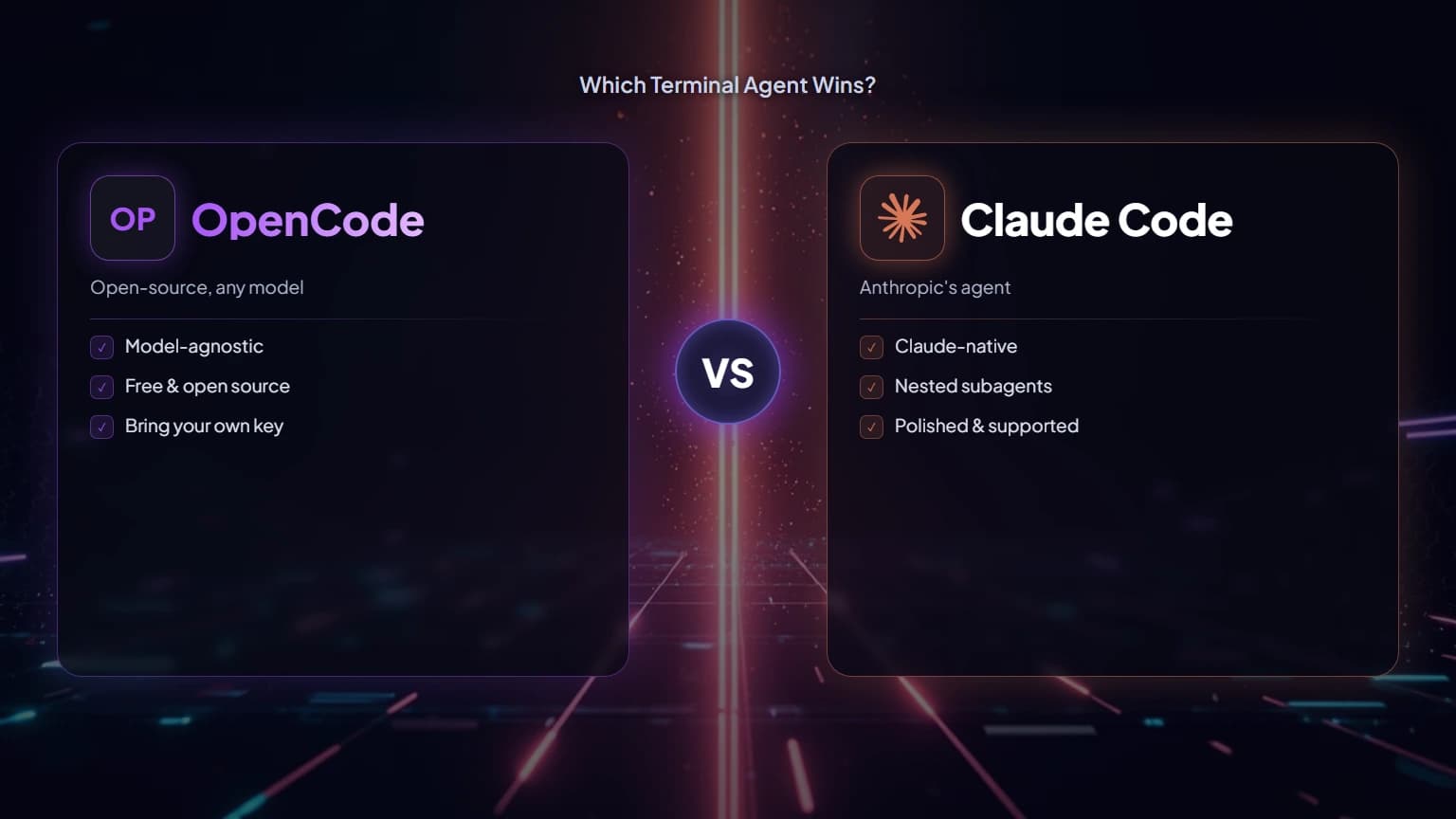
Aider is the closest philosophical cousin to Claude Code among the open-source options. It's a free, Apache-licensed AI pair programmer, documented at aider.chat, that runs in your terminal and edits code directly in your local Git repository. It's model-agnostic and bring-your-own-key: you supply an API key (Anthropic, OpenAI, Google, OpenRouter, and many others) or point it at local models through tools like Ollama.
How it differs from Claude Code: Aider is open-source and BYO-key, so you control which model runs and pay providers directly rather than paying for a bundled subscription. Its standout feature is deep Git integration — it commits changes with sensible messages so you can diff, review, and undo AI work with familiar tools. Best for: developers who want transparency, model choice, and tight version control, and who don't mind assembling their own setup. Our head-to-head Aider vs Claude Code comparison unpacks the open-source-versus-proprietary split that drives every other difference between them. If model flexibility is the appeal, note that Claude Code can also route through third-party providers — see Claude Code with OpenRouter for that angle.
OpenAI Codex CLI — OpenAI's terminal agent
Codex CLI is OpenAI's answer to the terminal-agent workflow: a command-line coding agent that reads your project, plans multi-step changes, and executes them, backed by OpenAI's models. If your stack or your subscription already leans OpenAI, it's the most natural alternative to Claude Code to try first.
How it differs from Claude Code: the core interaction model is similar — a terminal agent that edits files and runs commands — but the underlying models and ecosystem are OpenAI's. Teams often choose based on which model family they trust more for their kind of work, and on existing billing relationships. Best for: OpenAI-centric developers who want an agentic terminal experience. Our head-to-head Codex vs Claude Code comparison digs into where each one pulls ahead.
Gemini CLI — Google's terminal agent
Gemini CLI is Google's open-source terminal agent powered by its Gemini models. It brought a lot of attention to the space thanks to a generous free tier that lets many developers use it at no cost for everyday work, which makes it one of the more approachable claude code alternatives for hobbyists and people testing the waters.
How it differs from Claude Code: Gemini CLI is open-source and closely tied to Google's models and cloud ecosystem, with a free tier that's hard to ignore. The workflow will feel familiar to Claude Code users, but the model behavior and quotas differ. Best for: cost-conscious developers, Google Cloud users, and anyone who wants to experiment without committing to a paid plan. See Gemini CLI vs Claude Code for a fuller look. Google also ships Antigravity, an agent-first IDE for people who would rather orchestrate agents from a visual dashboard than a terminal, and our Antigravity vs Claude Code comparison weighs that trade-off.
Cline — the open-source VS Code agent
Cline is a popular open-source agent that lives inside VS Code as an extension. It gives you an autonomous agent in your editor's sidebar that can read files, run commands (with your approval), and make multi-file changes — while letting you bring your own API key and pick your model.
How it differs from Claude Code: Cline is an editor extension rather than a CLI, but it's more agentic than a plain autocomplete tool. It combines the open-source, BYO-key freedom of Aider with the graphical comfort of working inside VS Code. Best for: VS Code users who want an autonomous, transparent agent without leaving their editor, and who like controlling model choice and cost. Our Claude vs Cline piece compares the two directly.

The contenders compared at a glance
None of these is objectively best. The table below sorts them by form factor, model family, and the kind of developer each suits, which is a far more useful axis than any feature checklist you will find elsewhere.
Here's the honest summary. None of these is objectively "the best" — the right choice depends on your workflow, your budget, and how much you value open-source control versus a polished, supported product.
| Tool | Form factor | Model(s) | Best for |
|---|---|---|---|
| Claude Code | Terminal CLI agent | Anthropic (can route to others in some setups) | Terminal-first devs doing long, multi-step tasks |
| Cursor | AI-first IDE | Multiple, configurable | Developers who want a premium IDE-native experience |
| GitHub Copilot | Editor extension | Multiple, configurable | GitHub-centric teams wanting in-editor AI |
| Aider | Terminal CLI agent | Bring-your-own (any provider or local) | Open-source fans who want model choice and Git control |
| OpenAI Codex CLI | Terminal CLI agent | OpenAI | OpenAI-centric devs wanting an agentic terminal |
| Gemini CLI | Terminal CLI agent | Google Gemini | Cost-conscious devs and Google Cloud users |
| Cline | VS Code extension | Bring-your-own | VS Code users wanting an open, transparent agent |
How to actually choose among claude code competitors
Start with form factor, because it halves the field immediately. Then settle open-source-plus-your-own-key against a polished subscription, weigh your existing ecosystem, and remember that "which tool" and "which model" are separate questions.
Start with form factor, because it's the biggest divide. If you want to stay in a graphical editor, Cursor, Copilot, and Cline are your lane. If you're happy in a terminal, Claude Code, Aider, Codex CLI, and Gemini CLI compete directly. Getting that decision right narrows the field faster than any feature checklist.
Next, decide on the open-source versus subscription question. Aider, Gemini CLI, and Cline are open-source and let you bring your own key, which means transparency and fine-grained cost control at the price of doing more setup yourself. Cursor and Copilot are polished, supported subscriptions that trade some control for a smoother out-of-the-box experience. Both models are valid; it's a genuine trade-off, not a right-or-wrong.
Then think about your existing ecosystem. If your team is deep in GitHub, Copilot's integration is a real advantage. If you trust a particular model family, let that guide you toward Codex CLI, Gemini CLI, or Claude Code. And remember the wrinkle we mentioned: because Claude Code and several alternatives can be pointed at different models, "which tool" and "which model" are separate questions worth answering separately.
Finally, don't overthink it — most of these are cheap or free to try. Install two or three, run them on a real task in your own repo, and keep the one that fits your hands. The best way to judge any alternative to Claude Code is to run it against Claude Code itself on work you actually care about.
For full disclosure, this whole site is built inside Claude Code, so we are not a neutral referee — but the reason we've stayed is narrower than brand loyalty. What keeps us on a terminal agent rather than an IDE-native tool is that most of our work is long, multi-file passes across a large repo, and the headless loop lets us hand off a whole task and review the diff instead of babysitting inline suggestions. The model-routing freedom that several claude code alternatives sell matters to us too — we default to Sonnet 5 ($3/$15 per million tokens) and only escalate to Opus 5 ($5/$25) for the genuinely hard passes — so when we weighed the field of claude code alternatives, the honest deciding question turned out to be form factor, not vendor.
The honest bottom line
There is no universal winner. Cursor and Copilot win on IDE polish, Aider and Cline on transparency and model choice, Codex CLI and Gemini CLI on ecosystem fit. Install two, run them on real work, and let your hands decide.
Claude Code is a strong, mature agentic coding tool, and for terminal-first developers doing large, multi-step work it's an easy tool to recommend. But the field of claude code alternatives is genuinely competitive. Cursor and Copilot win on IDE-native polish. Aider and Cline win on open-source transparency and model choice. Codex CLI and Gemini CLI win when you're already invested in OpenAI or Google. There's no universal winner — only the best fit for how you actually work. Try a couple honestly, and let your own workflow cast the deciding vote.
Frequently Asked Questions

Written by
Edith
Writing about Claude and the Anthropic toolkit — models, Claude Code, pricing, features, and fixes, in clear, practical, hands-on guides tested by daily use.
View all posts →