


The smart thermostat settings that save money are the setbacks: letting the home get cooler in winter, and warmer in summer, while everyone is out or asleep. Everything else is comfort and convenience.
The U.S. Department of Energy estimates that turning the thermostat down 7 to 10°F for 8 hours a day can save as much as 10% a year on heating and cooling. ENERGY STAR says a certified smart thermostat can save approximately $100 a year, but attaches that to homes with high heating and cooling bills or homes left empty for much of the day. A home already occupied all day should expect less.
Table of Contents
One figure to be careful with. Smart thermostat marketing often quotes 8%, and it is a real number, but it is not a bill saving. It is the minimum reduction in heating run time a thermostat must demonstrate to earn ENERGY STAR’s certification criteria (the cooling threshold is 10%). Run time is not the same as cost, and a certification floor is not an average result. Treat any saving quoted as a percentage with suspicion unless the source says what it is a percentage of.
Which smart thermostat settings actually matter?
Seven settings do most of the work. The first three are where nearly all the saving comes from.
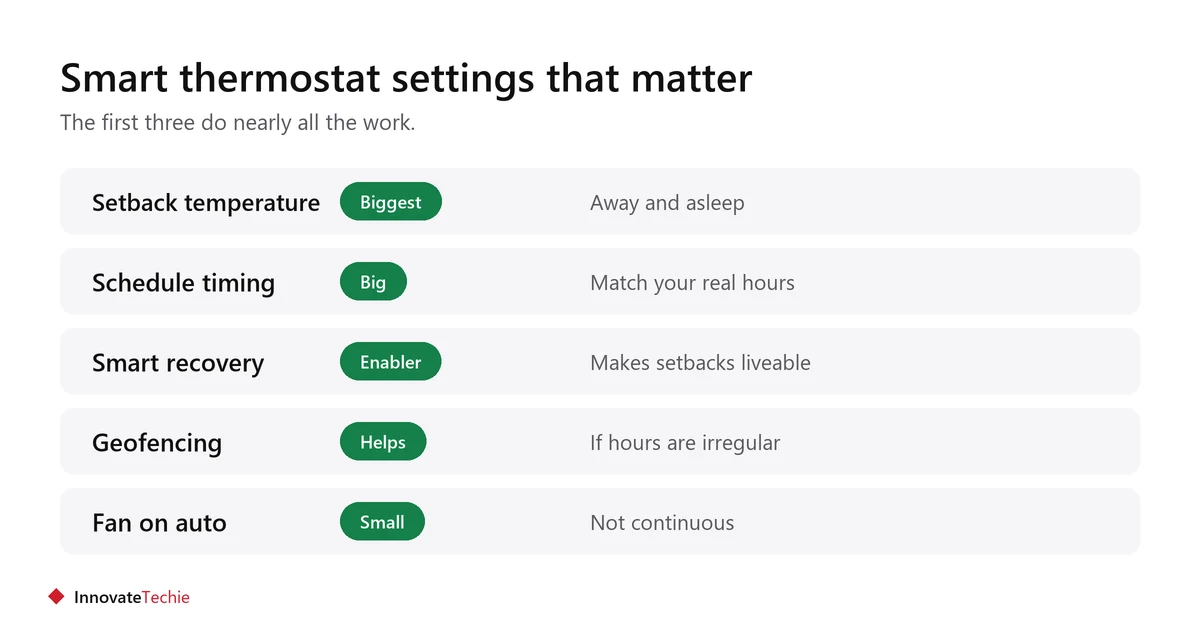
- Setback temperature while out and asleep.
- Schedule timing that matches when you are really home.
- Smart recovery or early start, so setbacks stay comfortable.
- Home and away detection or geofencing.
- Fan mode, set to auto rather than on.
- Temperature hold, used sparingly.
- Filter reminders, which keep the system efficient.
What temperatures should you set?
A reasonable starting schedule looks like this: 70°F for heating and 78°F for cooling while you are home, with a setback of at least 8°F in winter when away or asleep, and a setup of at least 7°F in summer, or 4°F overnight.
| Period | Winter (heating) | Summer (cooling) |
|---|---|---|
| Home and awake | 70°F | 78°F |
| Away | At least 8°F lower | At least 7°F higher |
| Asleep | At least 8°F lower | About 4°F higher |
Treat these as a starting point, not a rule. Adjust to what your household finds comfortable, then nudge the setback a degree at a time.
When should the schedule change temperature?
Start warming before you wake rather than at the moment you wake, and begin the evening setback before bedtime rather than at it. The house takes time to respond.
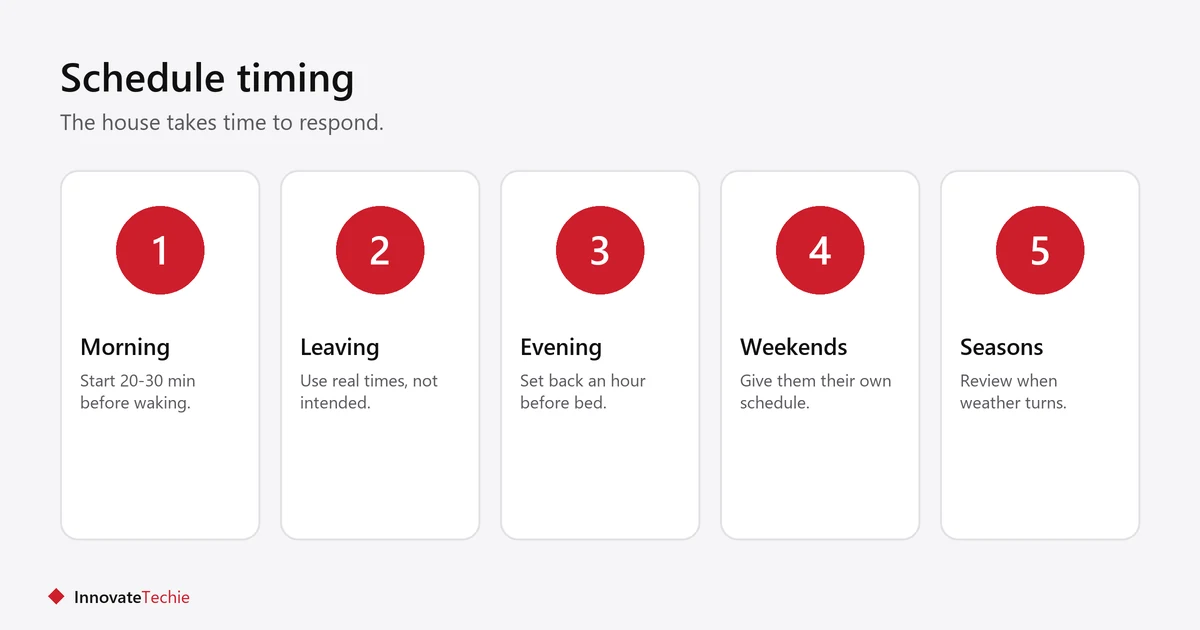
- Begin the morning change 20 to 30 minutes before the alarm.
- Start the evening setback around an hour before bed.
- Set the away period to your real leaving and returning times, not your intended ones.
- Give weekends their own schedule if your routine differs.
- Review the schedule when the seasons change.
What is smart recovery and should it be on?
Smart recovery, sometimes called early start, means the thermostat works backwards from your target time so the house reaches temperature when you want it. Leave it on.
It is what makes a deeper setback liveable. Without it you either wake into a cold house or you set a shallower setback and save less.
Does geofencing help?
It can, if your schedule does not match your life. Home and away detection uses your phone’s location or a sensor to override the schedule when the house empties unexpectedly.
- Most useful for irregular hours or people working from home some days.
- Less useful if your routine is steady, because the schedule already handles it.
- Needs location permission on each household member’s phone.
- Check what happens when one person is home and others are out.
Which smart thermostat settings should you leave alone?
Avoid constant manual adjustment, permanent holds and running the fan continuously. Each one undoes the schedule you set.
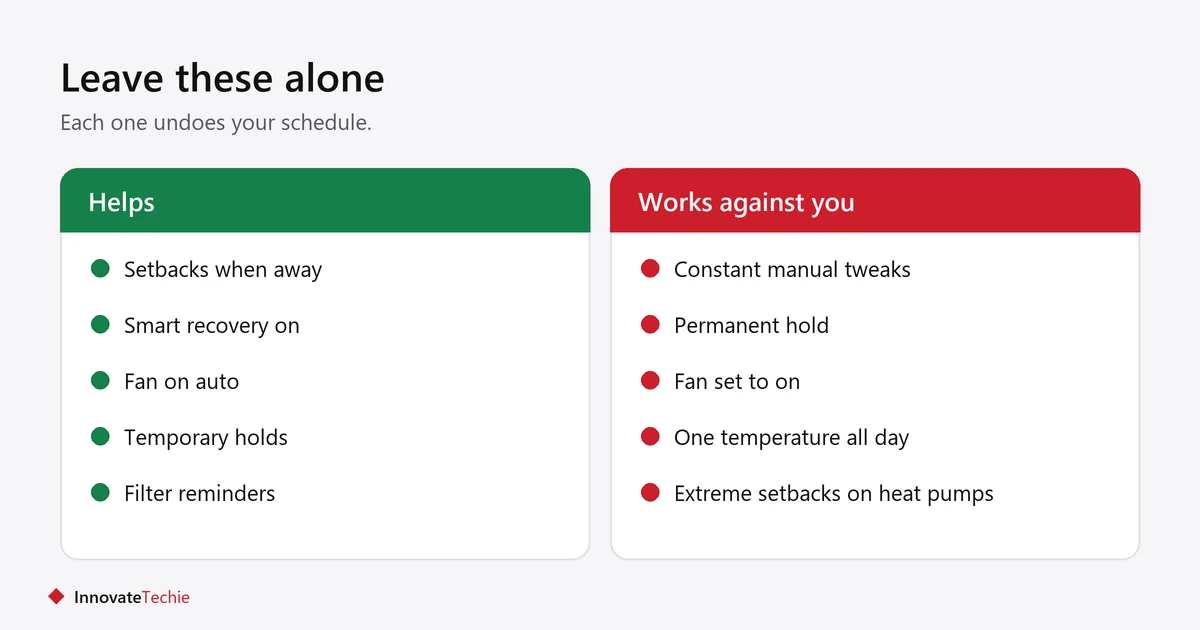
- Constant tweaking wastes energy and stops any learning feature working.
- Permanent hold cancels the schedule entirely. Use a temporary hold instead.
- Fan set to on runs the blower continuously. Auto is usually the efficient setting.
- Very deep setbacks in extreme cold can be counterproductive with some heat pumps. Check your system’s guidance.
Do these settings work with a heat pump?
Not in the same way. A deep setback can push a heat pump onto its backup electric heat to catch up, which can cost more than the setback saved. Use a thermostat built for heat pumps and keep setbacks shallower.
- The Department of Energy specifically advises heat pump owners to use a thermostat designed for heat pumps.
- Look for a model that manages the backup heat rather than triggering it on every recovery.
- Let smart recovery bring the temperature back gradually instead of demanding a fast catch-up.
- If your thermostat shows an auxiliary or emergency heat indicator, watch how often it appears after a schedule change.
- Check your installer or manufacturer guidance before using a setback deeper than a few degrees.
How do you know the settings are working?
Compare bills across the same season rather than month to month, and use the thermostat’s own runtime reports. Smart thermostat settings show up in runtime long before they show up in money.
- Most smart thermostats report how many hours the system ran.
- Compare this winter against last winter, not December against October.
- Note any change in household routine, which affects results more than the settings do.
- Remember weather varies year to year, so a single month proves little.
For whether the thermostat was worth buying at all, see is a smart thermostat worth it, and our guide to smart home devices that save money ranks the alternatives.
Related guides
Frequently asked questions
About the author: Hamza Javaid is a web developer and the editor of InnovateTechie. Read our editorial policy.
Last updated: October 2026. Prices, plans and app menus change often, so confirm details on the manufacturer’s page before you buy.
