


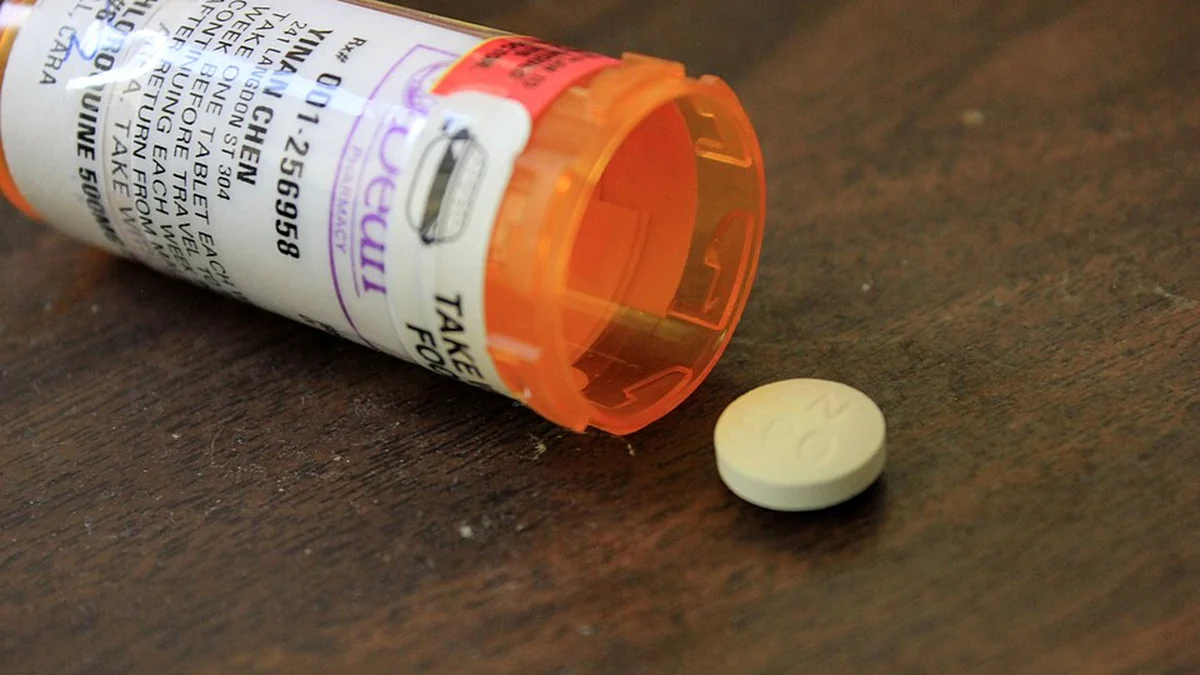
Medication reminders for seniors come in five forms: a voice assistant, a simple alarm, a smart pill box, an automatic dispenser, and a caregiver-connected system. They differ mainly in whether they only remind, or also confirm that a dose was taken.
This is a health topic, so one thing first: none of these replace advice from a doctor or pharmacist. Any change to a medication routine should be agreed with them. This guide covers how the options differ, not what anyone should take.
Table of Contents
What are the options for medication reminders for seniors?
The five below run from simplest to most involved. The right one depends on how complex the routine is and whether anyone needs visibility from a distance.
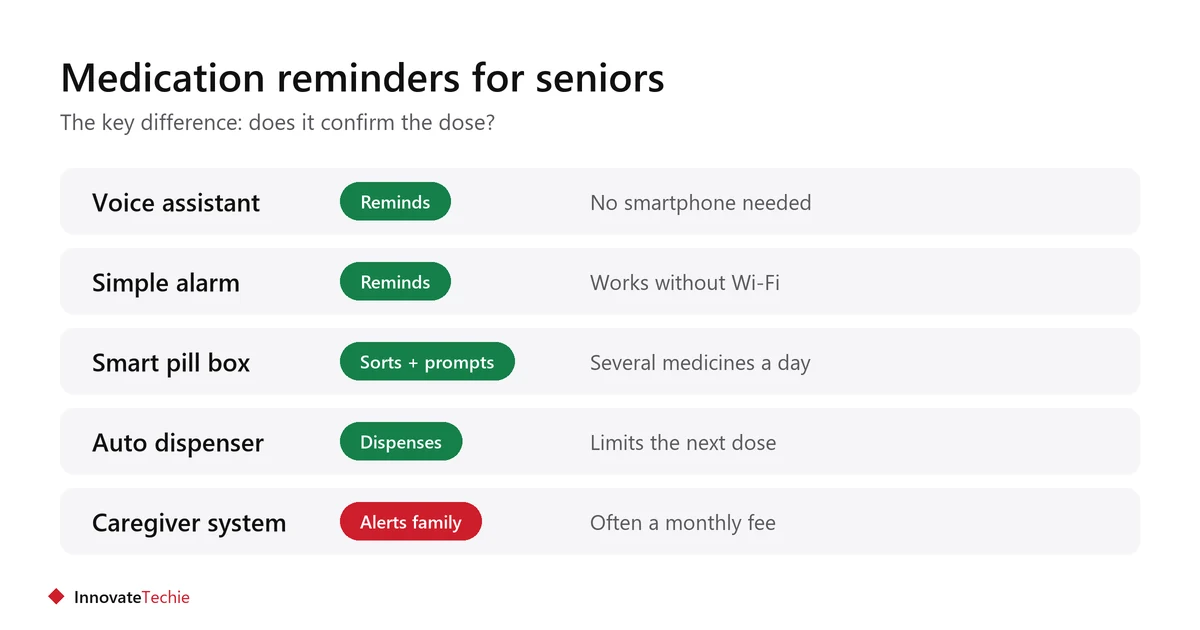
| Option | What it does | Confirms the dose? | Suits |
|---|---|---|---|
| Voice assistant | Speaks a reminder at set times | No | Someone already using a smart speaker |
| Simple alarm or watch | Beeps or vibrates | No | A straightforward routine |
| Smart pill box | Sorts doses, lights or sounds a prompt | Partly, by compartment | Several medicines a day |
| Automatic dispenser | Releases the dose on schedule | Yes, it dispenses | Complex or higher-risk schedules |
| Caregiver-connected system | Alerts family if a dose is missed | Yes, to a phone | Family helping from a distance |
Can a smart speaker handle medication reminders?
Yes, for simple spoken prompts at set times, and it needs no smartphone to use. It is the lowest-barrier option for anyone already comfortable talking to a speaker.
- A family member can set the reminders remotely in the app.
- The reminder is spoken aloud in the room, which suits poor eyesight.
- Multiple reminders a day are easy to add.
- It cannot tell whether the medicine was actually taken.
- It depends on power, Wi-Fi and the internet. Any of those failing means no reminder.
Setup is covered in our guide to Alexa for seniors.
When is a dispenser better than a reminder?
When the routine is complex, when a double dose would be harmful, or when someone sometimes forgets whether they already took a pill. A dispenser releases only the right dose at the right time.
- It physically limits access to the next dose, which a pill box does not.
- It needs filling correctly, which becomes a family task.
- Some lock, which matters if confusion is a risk.
- Check what happens in a power cut and whether it has a battery backup.
- Ask the pharmacist whether any medicine is unsuitable for a dispenser, for example one needing refrigeration.
What should families check before choosing?
Check who fills it, what happens when something goes wrong, and whether the person will actually use it. The last point decides more than the feature list.
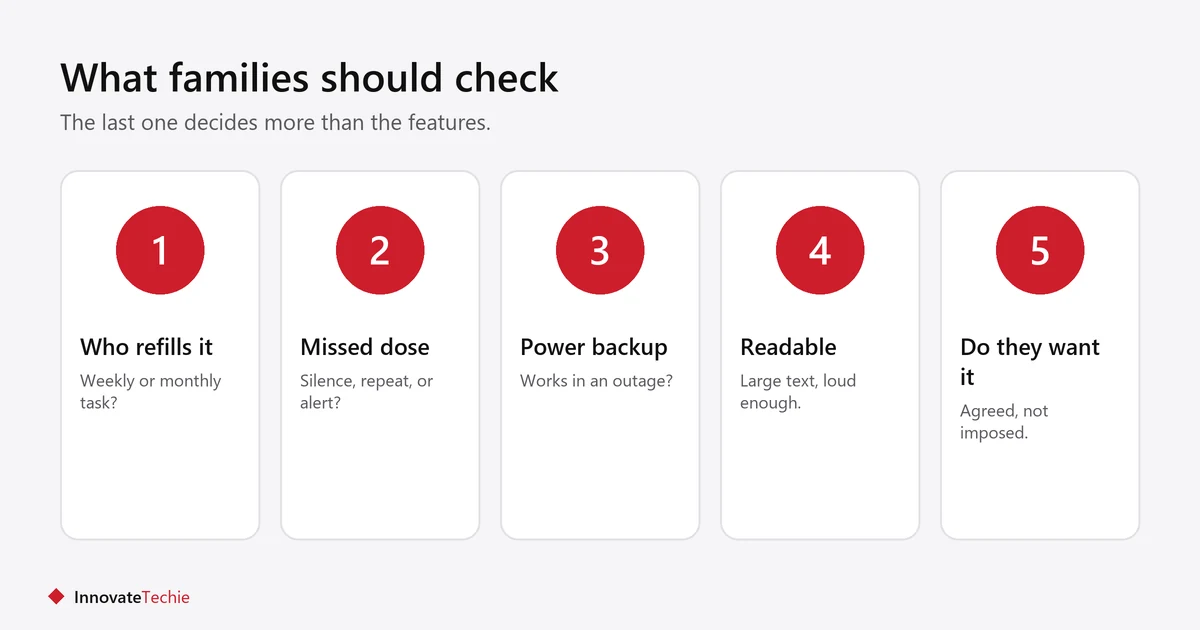
- Who refills it, and how often? A weekly task for a nearby relative is different from a monthly visit.
- What happens on a missed dose? Silence, a repeat prompt, or an alert to family.
- Power and connection. Does it work without Wi-Fi? Is there a battery backup?
- Is it readable and reachable? Large text, loud enough sound, no awkward lids.
- Monthly fee? Caregiver-connected systems often carry one.
- Does the person agree to it? A device installed against someone’s wishes gets switched off.
What these devices cannot do
Medication reminders for seniors cannot judge whether a dose is correct, respond to a medical problem, or replace a conversation with a pharmacist. They are prompts and containers, not clinical tools.
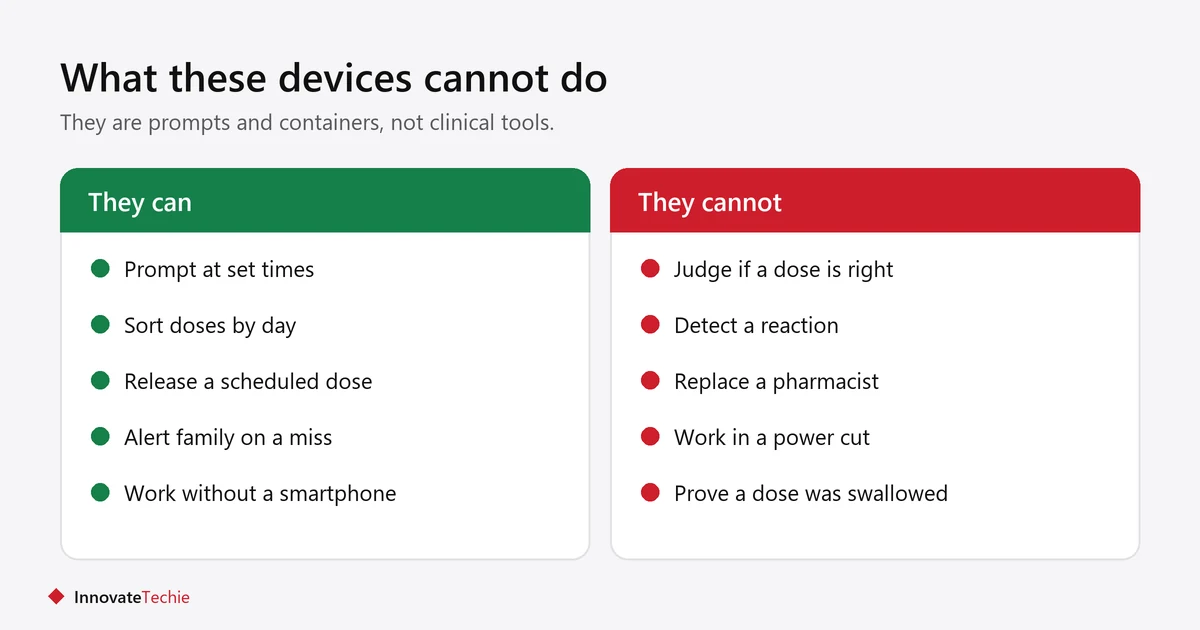
- A reminder is not proof a dose was taken, unless the device dispenses it.
- None of them detect a reaction or an overdose.
- Wi-Fi devices stop working in an outage. Keep a simple backup, such as a written chart.
- Changing how medicines are organised should be agreed with the pharmacist, especially for blister packs or split doses.
The U.S. National Institute on Aging has guidance on taking medicines safely as you age.
How do you set it up so it actually gets used?
Involve the person from the start, keep it in the room where the routine already happens, and test it together for a week before relying on it.
- Agree the plan with the person, not for them.
- Put it where the medicine already lives, usually the kitchen or bedside.
- Match the prompt time to an existing habit, such as breakfast.
- Write the routine on a card as a backup.
- Check in after a week and adjust rather than assuming it works.
Other helpful devices are in smart home devices for elderly living alone.
Related guides
Frequently asked questions
What is the best medication reminder for an elderly person?
It depends on the routine. Among medication reminders for seniors, simple alarms suit a straightforward schedule, smart pill boxes help with several medicines, and automatic dispensers suit complex or higher-risk schedules.
Can Alexa remind someone to take medication?
Yes, it can speak reminders at set times, and a family member can add them remotely. It cannot confirm the dose was taken, and it stops working without power or internet.
Do medication reminder devices need WiFi?
Simple alarms and basic pill boxes do not. Voice assistants and caregiver-connected systems do. Check for a battery backup if reliability matters.
What happens if a dose is missed?
It varies by device. Some repeat the prompt, some do nothing, and caregiver-connected systems alert a family member. Check this before buying.
Are automatic pill dispensers safe?
They reduce the risk of a double dose by releasing only the scheduled dose. Ask your pharmacist whether any medicine is unsuitable, and check what happens in a power cut.
Can a smartwatch work as a medication reminder?
It can vibrate and show a prompt, which suits someone comfortable wearing one. It needs charging daily, so it suits people who already use a watch.
About the author: Hamza Javaid is a web developer and the editor of InnovateTechie. Read our editorial policy.
Last updated: October 2026. Prices, plans and app menus change often, so confirm details on the manufacturer’s page before you buy.
