In This Article
9 sectionsQuick answer
Claude Code vs GitHub Copilot compared honestly: terminal agent vs in-editor assistant, models, workflow, pricing shape, and when to use each (or both).
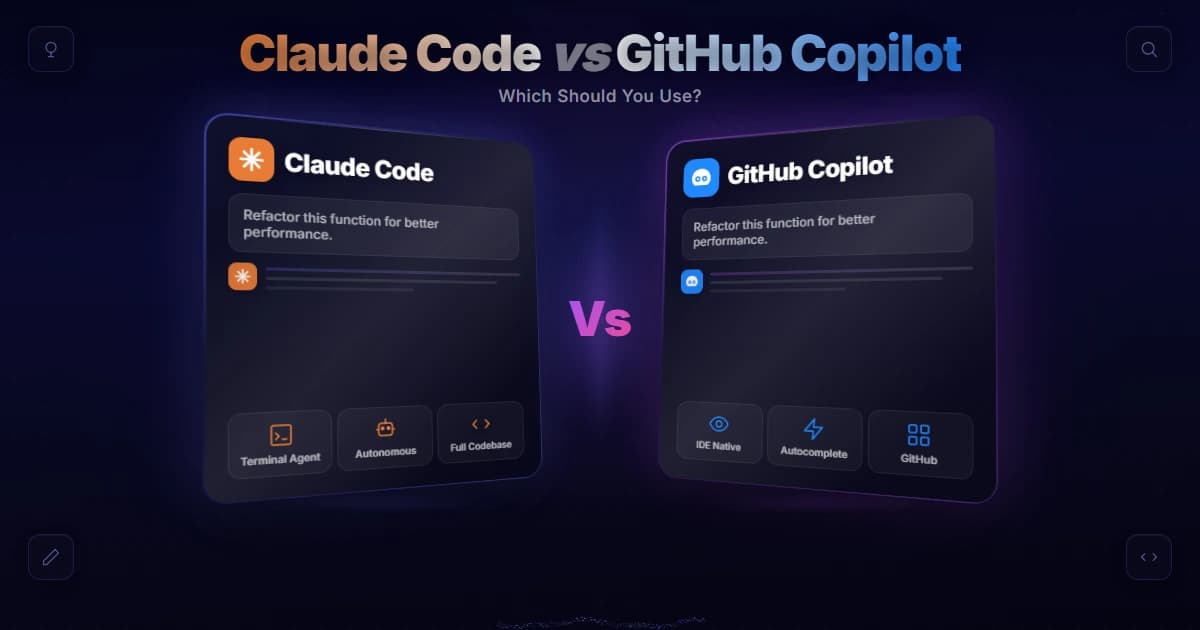
In the debate of claude code vs github copilot, the short answer is this: Claude Code is Anthropic's autonomous terminal agent that reads and edits across your whole repo and runs commands, while GitHub Copilot is an in-editor assistant built around inline autocomplete, chat, and an agent mode. Many developers use both together.
Feature sets, models, and pricing verified 31 July 2026 against the Claude Code docs and GitHub's published plans
Choosing between these two tools is less about which is "better" and more about how you like to work. They started from opposite ends of the coding-assistant spectrum and have been growing toward the middle. This guide to claude code vs github copilot gives you an honest, use-case-driven breakdown so you can pick the right fit — or decide to run both. Claude Code currently runs on the latest Claude models, such as Opus 5 ($5/$25 per million tokens), Sonnet 5 ($3/$15), and Haiku 4.5 ($1/$5), per Anthropic's pricing, and this comparison is reviewed regularly so the guidance stays accurate. Tools in this space evolve fast, so always verify the latest specifics on each vendor's official pages before you commit.
Key takeaway
Claude Code is Anthropic's autonomous terminal agent that reads and edits across your whole repo and runs commands, while GitHub Copilot is an in-editor assistant built around inline autocomplete, chat, and an agent mode — many developers run both, using Copilot for line-by-line flow and Claude Code for delegating multi-file tasks.
What each tool actually is
Claude Code is an agentic assistant that reads, edits, and runs your codebase from a terminal or IDE. Copilot began as inline autocomplete and grew agent features on top.
Before we get into claude code vs github copilot head-to-head, it helps to be precise about what each one is, because their designs are genuinely different.
Claude Code is a terminal-native, agentic coding tool from Anthropic. You run it in your command line inside a project, describe what you want in plain English, and it explores your codebase, reads the relevant files, edits multiple files, runs commands and tests, and iterates through multi-step tasks. It is driven by Claude models and is extensible through the Model Context Protocol (MCP) and subagents. If you want the full primer, see what is Claude Code. You can read Anthropic's own summary in the Claude Code overview.
GitHub Copilot started life as inline autocomplete — the "ghost text" that suggests the next line or block as you type in your editor. It has since grown into a broader assistant: Copilot Chat lets you ask questions and request changes in a side panel, and an agent mode inside editors like VS Code and JetBrains can take on multi-step tasks too. Copilot is deeply integrated with GitHub itself (pull requests, issues, the web) and is model-flexible — you can often choose from several underlying models. GitHub's product page is a good reference: the GitHub Copilot features page.
So the core contrast is: an autonomous terminal agent versus an in-editor assistant that now also has an agent mode.
Claude Code vs GitHub Copilot: core design
Claude Code is agent-first — you hand it a whole task. Copilot is editor-first — it completes as you type, with agent modes layered above that foundation.
The design difference shapes everything else. Claude Code lives in your terminal and treats the whole repository as its workspace. It is built to take initiative: give it a goal, and it will plan, touch many files, run your build, read the errors, and keep going until the task is done. That autonomy is the point.
GitHub Copilot lives inside your editor and, in its classic form, is built to reduce friction line by line. Its autocomplete is fast, contextual, and stays out of your way — you keep driving, it keeps suggesting. Copilot Chat and agent mode extend that into conversational help and larger tasks, but the center of gravity is still the IDE and the flow of writing code yourself with an assistant riding along.
Neither approach is inherently superior. If you love staying in your editor and want suggestions as you type, Copilot's model feels natural. If you'd rather hand off a whole task and review the result, Claude Code's agentic model fits better.

Workflow: where you live and how much autonomy you give
With Claude Code you delegate a task and review a diff. With Copilot you stay in the editor and accept suggestions line by line, keeping tighter control at higher attention cost.
Think about where you spend your day. With Copilot, you live in VS Code or JetBrains, and the assistant is one panel or one keystroke away. The human stays firmly in the loop for autocomplete — you accept, reject, or edit each suggestion. Agent mode raises the autonomy, but you're still orchestrating from inside the editor.
With Claude Code, you live in the terminal. You describe intent, and the tool takes on more of the mechanical work: finding the right files, making coordinated edits across them, running tests, and fixing what breaks. You review at the checkpoint level — approving plans, diffs, and command executions — rather than character by character. Claude Code is designed to pause for your confirmation on meaningful actions, so you stay in control of an agent doing a lot of work, instead of doing every keystroke yourself.
A useful mental model: Copilot optimizes for flow (keep me typing, help me finish this line and this function). Claude Code optimizes for delegation (understand this whole feature and implement it while I review). This is also why Claude Code is frequently compared to other terminal agents like in Cursor vs Claude Code and Codex vs Claude Code rather than to plain autocomplete tools.
Models: Claude-centric vs multi-model
Claude Code runs Anthropic models and lets you switch tiers with /model. Copilot offers a model picker spanning several vendors, which matters if you want one subscription across providers.
Models matter because they drive quality, and this is a clear point of difference in claude code vs github copilot.
Claude Code is Claude-centric. It runs on Anthropic's Claude models, and you can pick which Claude model to use depending on whether you want maximum reasoning depth or faster, cheaper responses. If you're optimizing that choice, our guide to the best Claude model for coding and the walkthrough on how to change the model in Claude Code go deeper. The upside of a single-family approach is tight integration and predictable behavior tuned around those models.
GitHub Copilot is model-flexible. Depending on your plan and settings, you can often choose from several underlying models, including different providers, and switch based on the task. The upside here is choice: if a particular model suits your problem, you may be able to select it without leaving Copilot.
If model choice is a priority for you, Copilot's flexibility is attractive. If you specifically want Claude's coding behavior and reasoning, Claude Code gives you that directly and consistently.
Claude Code vs GitHub Copilot strengths
Claude Code wins on multi-file refactors and long autonomous runs. Copilot wins on inline speed, editor integration, and the lowest entry price.
Here's the honest version of what each does best.
GitHub Copilot's strengths are frictionless inline completion, deep IDE integration, and its connection to the GitHub ecosystem. The autocomplete is genuinely excellent for staying in flow, boilerplate, and common patterns. Because it lives where you already work and ties into pull requests, issues, and code review, it fits teams already centered on GitHub with almost zero workflow change. For many developers, that low friction is the whole selling point.
Claude Code's strengths are deep, multi-file agentic changes and rich tool use. When a task spans many files — refactors, new features, tracing a bug through several modules — an agent that reads the whole repo and coordinates edits shines. Its extensibility via MCP means it can connect to databases, docs, and external services; see Claude Code MCP for how that works. Subagents let it split complex work into focused pieces. This is delegation-grade capability, not just suggestion.
Put plainly: Copilot is exceptional at helping you write code faster; Claude Code is exceptional at doing larger chunks of work for you to review.
We build and maintain this site's codebase inside Claude Code every day, so the delegation half of this claude code vs github copilot split is the one we can speak to first-hand. In practice the terminal agent earns its keep on exactly the tasks the strengths above promise — a rename that ripples through half a dozen files, or a fix we describe once and review as a single diff rather than steering keystroke by keystroke. We route those jobs by model too, handing the mechanical passes to a lighter, cheaper model and escalating to a heavier one only when the change genuinely needs judgment.

Comparison table
The differences that decide it: autonomy level, where you work, model choice, pricing shape, and how much review each approach demands from you.
| Dimension | Claude Code | GitHub Copilot |
|---|---|---|
| Core design | Autonomous terminal agent | In-editor assistant: autocomplete, chat, agent mode |
| Where you work | Command line, whole-repo aware | Inside VS Code, JetBrains, and other editors |
| Autonomy | High — plans, edits many files, runs commands | Low for autocomplete; higher in agent mode |
| Human-in-the-loop | Reviews plans, diffs, and command approvals | Accepts or edits suggestions line by line |
| Models | Claude-centric, selectable Claude models | Multi-model, choose from several options |
| Best at | Deep multi-file changes, refactors, tool use | Frictionless inline completion, IDE + GitHub flow |
| Ecosystem | Extensible via MCP and subagents | Tight GitHub, PR, and issue integration |
| Pricing shape | Subscription and/or usage-based | Subscription tiers |
Always confirm current details on the official pages, since features and plans change.
Pricing model shape
Copilot bills a flat per-seat fee. Claude Code draws on a Claude subscription or per-token API credits, so cost scales with how hard you push it rather than staying fixed.
We won't quote exact prices — they change, and the point is the shape of each model. GitHub Copilot is generally offered through subscription tiers (individual and business/enterprise), which makes budgeting predictable: you pay a flat rate per seat.
Claude Code is typically available through a subscription and/or usage-based approach, where heavier agentic work can consume more. That can be very cost-effective for focused sessions and scales with how much you actually use it.
The practical takeaway: Copilot's flat subscription is easy to predict across a team, while Claude Code's shape rewards you for using it when you need heavy lifting and costs less when you don't. Check both vendors' current pricing before deciding, and consider your real usage pattern.
Can you use both together?
Yes, and many developers do. Copilot handles inline completion while you type; Claude Code takes the tasks too large to type your way through.
Yes — and plenty of developers do exactly that. The two tools are complementary rather than mutually exclusive. A common setup is to keep GitHub Copilot's inline autocomplete on while you type in your editor for fast, in-flow help, and reach for Claude Code in the terminal when you want an agent to take on a bigger, multi-file task end to end.
A practical way to split the work between them:
- Leave Copilot's autocomplete on in your editor for boilerplate, repetitive patterns, and finishing the line you're already typing.
- Open Claude Code in the terminal when a task spans more than 2 or 3 files — refactors, new features, or tracing a bug through several modules.
- Use Copilot Chat for quick questions about the file in front of you, and save Claude Code for work you'd rather delegate and review as a diff.
- Review Claude Code's plan before approving it, which usually takes under 30 seconds and catches misunderstandings early.
In that pairing, Copilot handles the moment-to-moment "help me write this line," and Claude Code handles "go implement this feature across the codebase and run the tests." You get frictionless completion and delegation-grade automation from the same workflow, which is why the most useful framing of claude code vs github copilot is often "both, for different jobs." If you want to try Claude Code alongside your existing setup, our Claude Code installation guide walks you through getting started.
The honest verdict: which should you pick?
Pick Copilot if you want fast autocomplete at a fixed low price. Pick Claude Code if you want to delegate whole tasks and review the result.
There's no knockout here. Pick based on how you work:
Choose GitHub Copilot if you live in your editor, love inline autocomplete that keeps you in flow, work in a GitHub-centered team, want model flexibility, and prefer predictable per-seat subscription pricing. It's the lowest-friction way to add AI to an existing IDE workflow.
Choose Claude Code if you're comfortable in the terminal, want an agent that can autonomously handle multi-file changes and run commands, value Claude's coding behavior, and like extensibility through MCP and subagents. It's the stronger pick for delegating whole tasks.
Choose both if you want the best of each — frictionless completion from Copilot plus agentic depth from Claude Code. For many developers, that combination is the real answer to claude code vs github copilot, rather than picking a single winner.
Frequently Asked Questions

Written by
Edith
Writing about Claude and the Anthropic toolkit — models, Claude Code, pricing, features, and fixes, in clear, practical, hands-on guides tested by daily use.
View all posts →