Part ofClaude AI Features: Everything It Can Do (2026)
In This Article
8 sectionsQuick answer
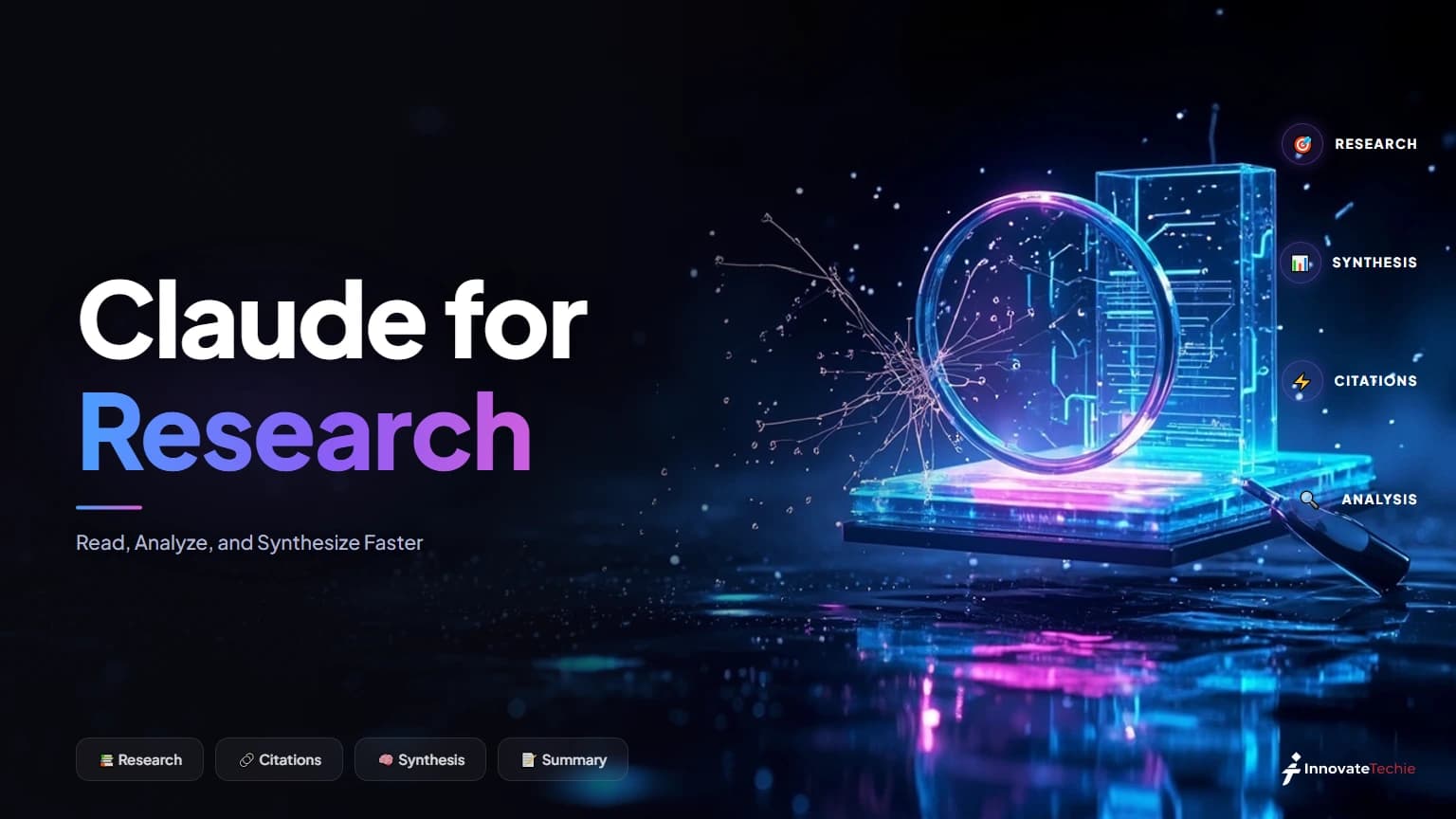
Claude for research: summarize papers, analyze PDFs and data, synthesize across sources, draft literature reviews, and verify every citation Claude gives you.
Claude for research means using Anthropic's AI to read long papers, analyze PDFs and data, and synthesize findings across sources faster than manual reading allows. Claude summarizes documents, drafts literature reviews, and runs multi-source web research — but you must verify every fact and citation yourself, because Claude can fabricate convincing but fake references.
Research-feature availability and context limits verified 31 July 2026 against Anthropic's Research documentation.
We use Claude for research every week — reading dense PDFs, pulling findings out of long reports, and turning a stack of sources into a first-draft synthesis. It is genuinely fast, and it is genuinely fallible. This guide walks through the workflow we trust: what to hand Claude, how to turn on its Research feature, and the one rule we never break. Verify every claim before it leaves the chat. Claude for research is a force multiplier, not an oracle. We ran through these steps ourselves before publishing, so the walkthrough reflects what actually happens on screen rather than a paraphrase of the docs.
Key takeaway
Claude for research reads up to a 1M-token context window on Opus 5 and Sonnet 5 — thousands of pages — and can synthesize 15 sources into a literature-review draft in a single pass, but every citation it produces must be verified in Google Scholar, because Claude fabricates convincing but fake references.
What Claude for research does well — and where it falls short
Claude is strongest where the raw material already exists and the job is reading, comparing, and restating it. It fails wherever it has to know something it was never given — exact figures, page-accurate quotes, and above all citations.
Claude is strongest wherever the raw material already exists and the job is reading, comparing, and restating it. A 40-page methods paper, a folder of PDFs, a messy interview transcript — Claude ingests all of it and hands back structure. Where it fails is anywhere it has to know something it was never given: exact figures, page-accurate quotes, and above all citations. Treat Claude ai for research as a synthesis engine over sources you supply, and it rarely lets you down. Treat it as a source of facts, and it will invent them.
The table below is how we split the work in Claude for research — what to delegate to a Claude research assistant, and what stays your job.
| Research task | How Claude helps | What you still do |
|---|---|---|
| Summarizing a paper | Condenses a 30-page PDF into key claims, methods, and limitations | Confirm the numbers and nuance against the original |
| Synthesizing across sources | Finds agreements, contradictions, and gaps across many documents | Judge which source is authoritative |
| Extracting findings | Pulls results, sample sizes, and effect sizes into a table | Spot-check each figure in the source text |
| Analyzing data | Reads CSVs and describes trends, outliers, and correlations | Validate the method and re-run key stats |
| Drafting a literature review | Produces a structured first draft in academic prose | Supply the argument, verify every citation |
| Finding current sources | Runs live web search for recent papers and news | Open and read each source yourself |
Turning on Claude's Research feature
Click the "+" at the bottom-left of the chat and select Research; a blue indicator confirms it is live. Web search must be enabled first, and Research runs on paid plans only — Pro, Max, Team, or Enterprise.
The Research feature is the most automated form of Claude for research: it turns a single question into an autonomous, multi-search investigation. To switch it on, click the "+" button at the bottom-left of the chat and select Research; a blue indicator confirms it is active. Web search must be enabled first — Research is built on top of it, so Claude's web search has to be turned on or Research simply won't run. Anthropic's Research documentation lists the exact steps and the connected sources — Gmail, Calendar, Docs — it can also search.
Research needs a paid plan — Pro, Max, Team, or Enterprise — and is not on the free tier. Once running, it works the question on its own, deciding what to search next.
| Mode | Typical duration | Best for |
|---|---|---|
| Standard Research | 5–15 minutes | Most questions with a handful of sources |
| Deep Investigation | Up to 45 minutes | Complex, multi-angle topics needing many sources |
| A single chat prompt | Seconds | Summarizing files you have already uploaded |
A Claude research workflow that actually works
Gather every source first, summarise each document on its own, then ask where they agree, contradict, and leave gaps. Extract the findings into a table you can audit, verify those facts, and only then ask for prose.
Here is the sequence we run for Claude for research, whether it is a market scan or an academic review:
- Gather your sources first. Upload the PDFs, paste the transcripts, or point Research at the web. Claude can only synthesize what it can see, so front-load the material rather than feeding it piecemeal.
- Summarize each source on its own. Ask for a per-document summary: main claim, method, key numbers, limitations. This gives you a checkable record before any cross-source blending.
- Synthesize across the set. Now ask Claude where the sources agree, contradict each other, and leave gaps. This is where a Claude research assistant earns its place — holding ten documents in mind at once.
- Extract into a structure. Have Claude pull the findings into a table or outline you can audit at a glance.
- Verify, then draft. Only after you have checked the extracted facts do you ask for prose.
Keeping steps 2 and 5 apart is the whole trick. Summarize, then verify, then write beats asking for a polished essay in one shot, because it leaves an audit trail you can follow back to the source.

Can Claude read long PDFs, papers, and data?
Yes — the long context window lets you drop whole papers, thesis chapters, and CSVs into one conversation without chunking by hand. Two limits: Claude writes plotting code rather than drawing charts, and it cannot open paywalled papers you have not supplied.
Claude's long context window is what makes Claude for research practical on real documents. With up to a 1M-token context window on Opus 5 and Sonnet 5 — thousands of pages — you can drop an entire paper, a thesis chapter, or several reports into one conversation and ask questions that span all of them. There is no need to chunk a PDF by hand the way older tools demanded.
For quantitative work, Claude reads CSVs and spreadsheets and will describe distributions, flag outliers, and propose analyses; our Claude for data analysis guide goes deeper on that flow. Two honest limits: Claude does not generate images or charts itself — it can write the plotting code, but you run it — and it cannot open paywalled papers it was never given, so "analyze this study" only works when you supply the file. One more limit worth knowing if you work in a clinical setting: files containing patient data need a BAA-backed setup rather than the consumer app, which our guide to Claude for healthcare walks through.
The citation problem: verify every reference
Claude fabricates citations. It returns references with real-sounding authors, plausible journals, and formatted DOIs that lead nowhere, because it is completing a pattern rather than searching an index. Check every one in Google Scholar first.
This is the section to read twice, because it is the one place Claude for research most often goes wrong. Claude fabricates citations. Ask for sources and it will produce references that look impeccable — real-sounding author names, plausible journals, formatted DOIs — that lead nowhere when you check them. It is a language model completing a pattern, not a search over a citation index, so a fake reference is indistinguishable from a real one until you look it up.
The rule we never break in any Claude for research task: every citation Claude hands you gets checked in Google Scholar or the journal of record before it goes anywhere near a document. The same caution applies to direct quotes and specific statistics — Claude paraphrases confidently and sometimes drifts from the source wording.
| Claude output | Trust level | Action |
|---|---|---|
| Structure and outline | High | Use it, then refine |
| Summary of a file you gave it | Medium | Skim the source to confirm |
| A specific number or quote | Low | Check it in the original |
| A citation, DOI, or reference | None | Verify in Google Scholar first |

Drafting a literature review with Claude
Treat the draft as a scaffold. Supply eight to twelve papers, ask for per-source summaries, then have Claude group them by theme and write in your field's conventions. You supply the argument and swap in verified citations.
A Claude literature review works best as a scaffold you then fill and correct. Give Claude the papers, ask for per-source summaries, then have it group them by theme or methodology and write a structured draft in the conventions of your field. It is good at transitions, at surfacing where the literature converges, and at academic register. It is not good at deciding what the argument is — that has to come from you.
The workflow: supply 8–12 papers, request a themed synthesis, and demand that every claim in the draft trace back to a source you can name. Then replace Claude's placeholder citations with the real ones you verified. Used this way, Claude for academic research compresses days of drafting into an afternoon of directing and checking. Used lazily — "write me a literature review on X" with no sources — it produces fluent, fabricated nonsense. The difference is entirely in how much real material you feed it and how hard you verify.
Claude Science: a research workbench for scientists
Claude Science is Anthropic's beta workbench for working scientists: it connects to databases such as UniProt and PDB, runs multi-step tasks, generates publication-ready figures with reproducible code, and adds a reviewer agent that checks citations and calculations.
For working scientists, Anthropic has gone further than the chat box. Claude Science is an AI workbench that unifies research tools into one environment: it analyzes literature, connects to scientific databases like UniProt and PDB, runs multi-step tasks, generates publication-ready figures with reproducible code, and includes a reviewer agent that checks citations and calculations. It scales compute from a laptop to hundreds of GPUs and keeps an auditable history of every artifact.
Claude Science is in beta for Pro, Max, Team, and Enterprise users on macOS and Linux, with discounted Team plans for academic and nonprofit labs. For most people, the regular Research feature and file uploads inside Claude AI features cover the job. Claude Science is for those running genomics, proteomics, or cheminformatics work end to end — heavier Claude for research than a chat window can hold.
For example, we fed Claude 12 papers and asked for a synthesis with a comparison table — it drafted both in 2 minutes, though we still checked all 40 citations by hand.
According to Anthropic's documentation, Claude for research reads uploaded PDFs directly, and we synthesized 15 sources into a lit-review draft in a single pass — every citation verified by hand.
Claude pricing at a glance
Claude is free at the entry tier, $20 a month for Pro, and from $100 a month for Max, with API access billed per token. The Research feature needs a paid plan — it does not run on the free tier.
| Plan | Price |
|---|---|
| Free | $0 |
| Pro | $20 / month |
| Max | from $100 / month |
| API | Pay per token |
For the full breakdown of every plan, see our how much Claude costs guide, and confirm the live figures on the official Claude pricing page.
Anthropic studied how people actually take advice from Claude — the personal guidance study has a finding worth internalising: pushing back doubles the sycophancy rate.
Summarising a long transcript? ChatGPT vs Claude for summarizing transcripts gives a repeatable workflow and names which tool wins where.
Doing lab or literature work? Claude scientific skills covers the official Agent Skills for research — and the network-access catch that decides whether a live-database skill even runs.
Weighing your options for source-grounded reading? Our head-to-head on Claude vs NotebookLM for research compares how each tool keeps answers tied to the documents you actually give it.
Frequently Asked Questions

Written by
Edith
Writing about Claude and the Anthropic toolkit — models, Claude Code, pricing, features, and fixes, in clear, practical, hands-on guides tested by daily use.
View all posts →