


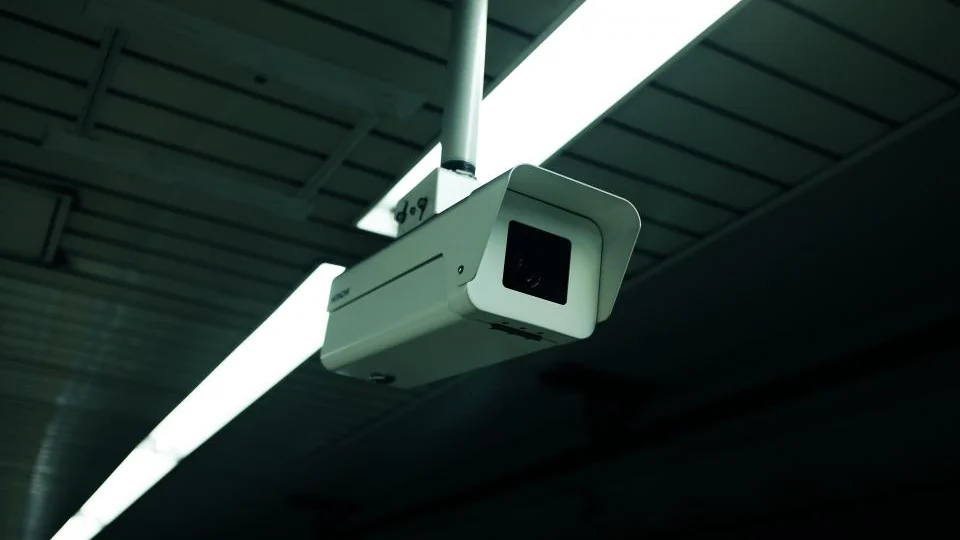
A security camera without subscription is one that records to local storage, such as a microSD card or a base station, and keeps motion alerts and live view free. The camera price matters less than whether its key features sit behind a paid plan.
We have not tested cameras ourselves yet, so this guide names no winners. It gives you seven checks to run on any budget camera, using the manufacturer’s own product page.
Table of Contents
How does a security camera without subscription work?
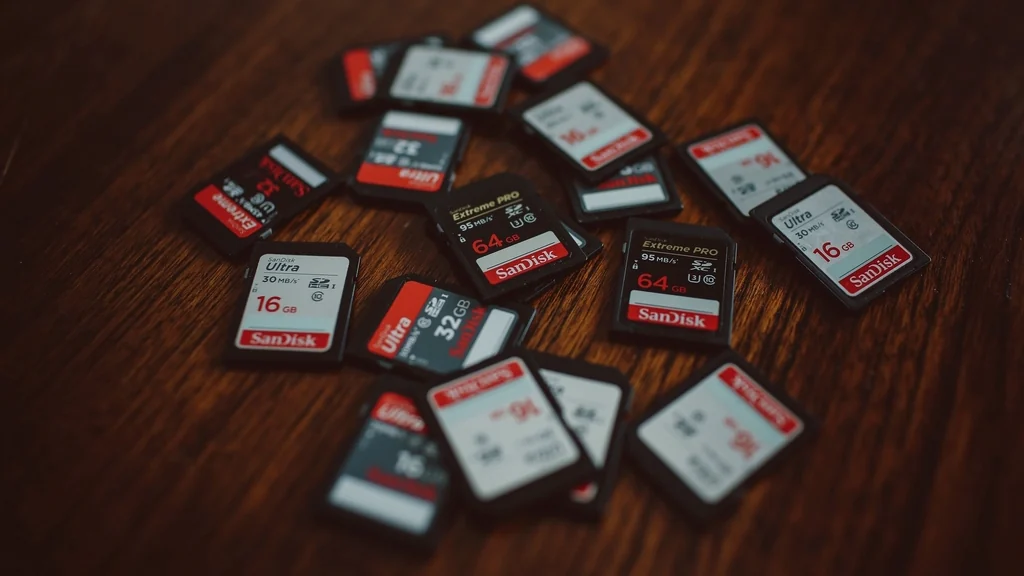
It stores video on the device or on a hub inside your home instead of on the maker’s cloud servers. You view recordings in the app, and no monthly plan is needed for the basics.
| Storage type | Monthly fee | Strength | Weakness |
|---|---|---|---|
| microSD card in the camera | None | Cheapest and simplest | Footage is lost if the camera is stolen |
| Base station or hub | None | Footage stays indoors, away from the camera | Higher starting price |
| Network video recorder | None | Continuous recording for several cameras | More setup, usually wired |
| Your own network storage | None | Full control of your footage | Needs technical setup |
| Cloud plan | Yes | Footage survives theft of the camera | Ongoing cost |
What should you check before buying a budget security camera?
Check seven things on the product page: storage, free features, power, weather rating, video quality, app support and security. A camera that passes all seven will work without a plan.
- Local storage. Does it accept a microSD card or record to a hub, and what is the largest card supported?
- Free features. Are motion alerts, live view and person detection free, or part of a plan?
- Power. Plug-in cameras can record continuously. Battery cameras usually record only when they detect motion.
- Indoor or outdoor. Outdoor cameras need a weather rating. Look for the IP rating on the specification sheet.
- Video quality. Check the resolution and the type of night vision, and look for real sample footage.
- App and ecosystem. Does it work with Alexa, Google Home or Apple Home, and does the app need an account?
- Security and privacy. Does the maker offer two-factor authentication, encryption and a stated update policy?
Which features usually need a subscription?
Cloud video history is the feature most often locked behind a plan, followed by smart detection and long clips. The details differ by brand and change over time, so read the current plan page.
- Cloud storage of recorded clips beyond a short free period.
- Detection of people, packages, pets or vehicles, on some brands.
- Activity zones and rich notifications with a preview image.
- Longer clip length and shorter gaps between recordings.
- Professional monitoring.
Watch for free trials that start automatically. Note the end date and check which features stop when the trial ends.
What does a camera really cost over three years?
Add the purchase price, the storage card and 36 months of any plan you would need. This three-year figure is the fair way to compare a cheap camera with a plan against a dearer one without.
| Cost item | Camera A | Camera B |
|---|---|---|
| Purchase price | Your figure | Your figure |
| microSD card or hub | Your figure | Your figure |
| Monthly plan x 36 | Your figure | Your figure |
| Three-year total | Add the rows | Add the rows |
Use a high-endurance microSD card made for continuous recording, because ordinary cards wear out faster in a camera.
Where should you place a security camera?
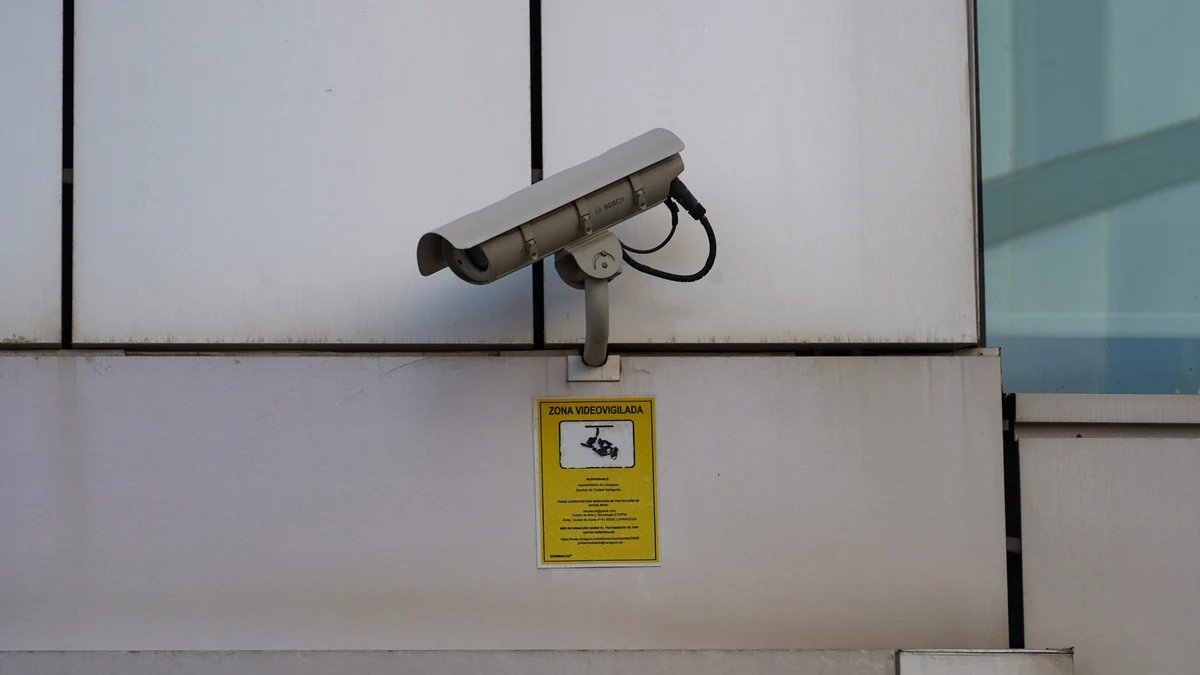
Place cameras to cover your own entrances and valuables, high enough to be out of easy reach. Never point a camera at a neighbor’s windows, a bathroom or a bedroom used by someone else.
- Indoors: facing the main door from a shelf, with a clear view of the entry.
- Outdoors: under an eave, covering the path to the door.
- Avoid pointing straight at a window, which causes glare at night.
- Tell everyone in the household, and guests, that cameras are in use.
Recording laws, especially for audio and shared areas, vary by state and country. This site does not cover hidden cameras or recording people without their knowledge.
Renters should read smart home ideas for renters before mounting anything.
How do you keep a camera secure and private?
Use a unique password, turn on two-factor authentication and install firmware updates. A camera is an internet-connected device inside your home and deserves the same care as a laptop.
- Change any default password during setup.
- Turn on two-factor authentication in the app.
- Update firmware when prompted.
- Turn off features you do not use, such as remote audio.
- Use the privacy or home mode when you are in.
The U.S. Federal Trade Commission publishes advice on using IP cameras safely.
Is a security camera without subscription right for you?
It suits you if you are happy to check alerts yourself and can accept that footage stored on the camera is lost if the camera is taken. If you need footage kept off-site, choose a hub that stays indoors or budget for a cloud plan.
For the wider picture on avoiding monthly fees, see our guide to a smart home on a budget.
How do you set up a security camera without subscription?
Insert a memory card, format it in the app, choose a recording mode and test playback. Setup takes about fifteen minutes and needs no paid plan.
- Insert a high-endurance microSD card before you power the camera on.
- Add the camera in the maker’s app and update its firmware.
- Format the card from the app’s storage settings.
- Choose continuous recording or motion-only recording.
- Set motion zones and sensitivity to cut false alerts.
- Turn on notifications and two-factor authentication.
- Walk in front of the camera, then play the clip back on your phone.
- Decline or cancel any free trial you do not intend to keep.
What are the limits of a security camera without subscription?
The main limits are that footage stays on the device, storage is finite and you do the monitoring yourself. None of these is a problem if you know about them before you buy.
- Footage on a card is lost if the camera is stolen or damaged.
- Memory cards wear out and need replacing from time to time.
- Old recordings are overwritten when the card is full.
- Some brands keep certain smart alerts for paying customers.
- Nobody calls the police for you. You see the alert and decide what to do.
If any of these matters to you, choose a system that records to a hub kept indoors, or accept a cloud plan for the one camera that covers your main door.
Which brands sell cameras with local storage?
Reolink, Eufy, TP-Link Tapo and Lorex all sell cameras that record locally with no monthly plan, according to the tested roundup from SafeWise. We have not tested these ourselves, so treat the names as a shortlist to check, not a ranking.
Run the seven checks above on any model you consider. A brand can sell one security camera without subscription and another that needs a plan for the same feature.
How big a memory card do you need?
Buy the largest card the camera supports if you record continuously, and a smaller one is fine for motion-only clips. Higher resolution fills a card faster.
- Check the maximum card size in the camera’s specifications.
- Choose a card labeled for video monitoring or high endurance.
- Lower the resolution or bitrate in the app if the card fills too quickly.
- Expect the oldest footage to be overwritten when the card is full.
Is a camera subscription ever worth paying for?
It can be for the one camera that matters most, usually the front door. A plan keeps footage off-site, so it survives if the camera is stolen, and some brands add smarter alerts.
For indoor cameras and second cameras, local storage is usually enough. Decide camera by camera instead of paying for a plan that covers everything.
Frequently asked questions
Is there a security camera without subscription that still sends alerts?
Yes. Many cameras send motion alerts and offer live view for free, and record clips to a microSD card. Check the product page to confirm which alerts are free.
Do security cameras work without Wi-Fi?
Some record to a microSD card without Wi-Fi, but you need a connection for alerts and remote viewing. Check the manual, because many cameras need Wi-Fi for setup.
How long does a microSD card hold security footage?
It depends on card size, resolution and whether the camera records continuously or only on motion. Most cameras overwrite the oldest footage when the card is full.
What happens to my footage if someone steals the camera?
Footage stored on a card inside the camera is lost with it. A base station kept indoors, or a cloud plan, keeps recordings safe if the camera is taken.
Can I use a security camera in a rented apartment?
Yes, inside your own unit. Use a plug-in or battery camera that needs no drilling, and do not point it at shared hallways without checking your lease and local law.
Are cheap security cameras safe to use?
Price alone does not tell you. Look for two-factor authentication, encryption and a stated update policy from the manufacturer, then use a unique password.
Which is better, a battery camera or a plug-in camera?
A plug-in camera can record continuously and needs no charging. A battery camera is easier to place but usually records only when it detects motion.
About the author: Hamza Javaid is a web developer and the editor of InnovateTechie. Read our editorial policy.
Last updated: October 2026. Prices, plans and app menus change often, so confirm details on the manufacturer’s page before you buy.
