


Smart bulbs flicker with a dimmer switch because both are trying to dim the same light at once. The wall dimmer chops the power going in, while the bulb expects full power and dims itself electronically. The two fight, and the result is flicker, buzz, or a bulb that will not pair at all.
The permanent fix is to remove the dimming from the wall. Everything else is a workaround, and the advice online conflicts badly on which workarounds are safe.
Table of Contents
Why the two cannot work together
A traditional dimmer reduces the power reaching the fitting. A smart bulb needs steady, full power for its radio and controller, and produces dimming itself. Starve it and the electronics misbehave.
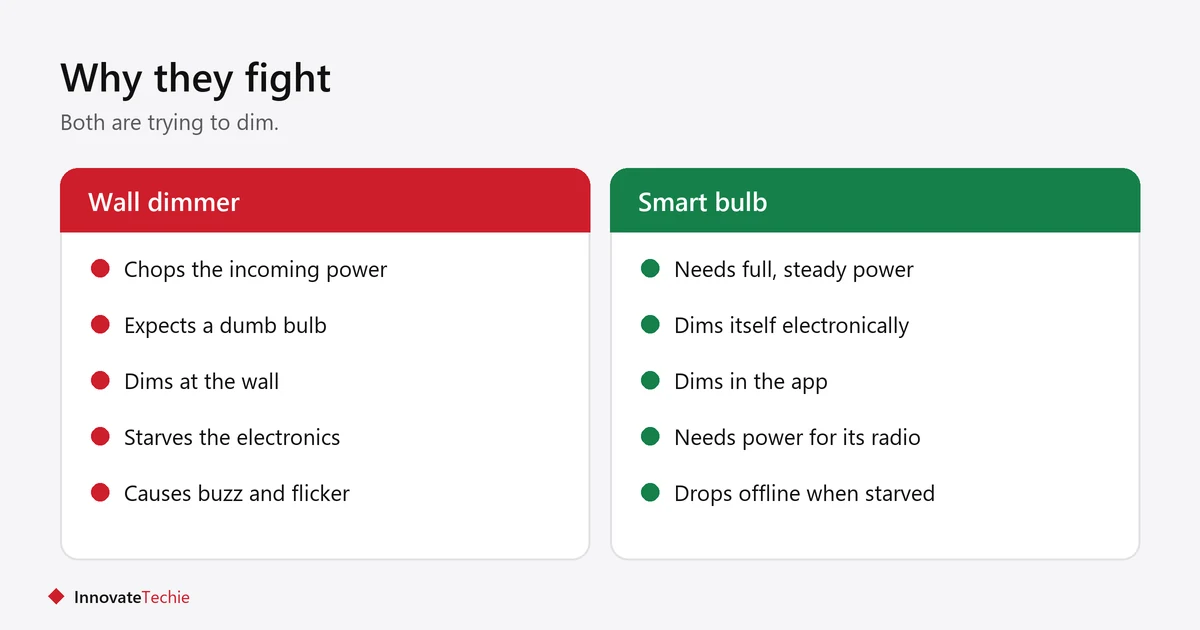
- The dimmer chops the mains waveform. The bulb is not designed to receive that.
- Below a certain level, the bulb’s power supply cannot run reliably, so the light stutters.
- The radio can brown out too, which is why a flickering bulb often also drops offline.
- Buzzing is usually the dimmer or the bulb’s driver reacting to the chopped waveform.
- Running the bulb starved like this shortens its life.
The permanent fix
Take the dimming out of the wall. Replace the dimmer with a plain on/off switch, then dim the bulb in its app, by voice, or with a wireless button.
- Replace the wall dimmer with a standard on/off switch. If you rent, this is a landlord job and usually needs permission.
- Leave that switch permanently on.
- Dim through the app, a voice command, or a stick-on wireless remote.
- If you want a wall control, use a smart switch or a battery wall remote designed to work with smart bulbs.
- Never pair a smart dimmer with a smart bulb either. That is the same conflict in a different package.
That last point catches people out. A smart dimmer and a smart bulb both dim, so putting them together recreates the problem.
If you cannot change the switch
Leave the dimmer at full brightness. That is the only reliable workaround, and it works because the bulb then receives full power as intended.
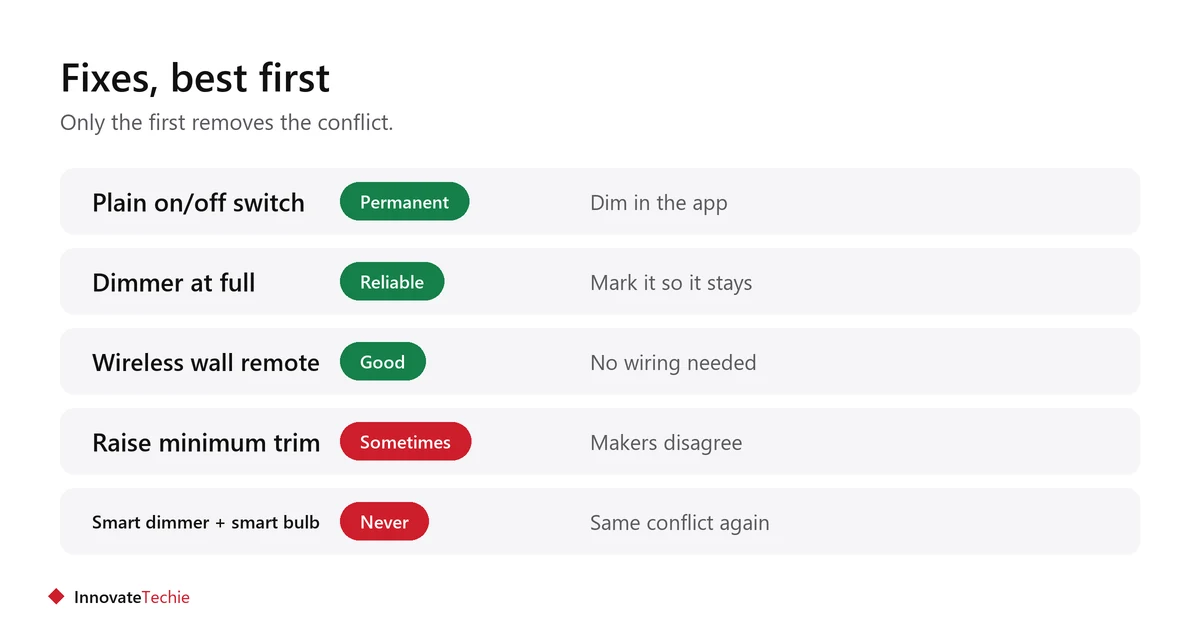
- Turn the dimmer fully up and leave it there.
- Mark it, or fit a guard, so nobody turns it down out of habit.
- Some dimmers have a minimum-brightness or trim adjustment. Raising it can reduce flicker at low settings, but it does not remove the underlying conflict.
- Accept that dimming now happens in the app, not on the wall.
- A battery-powered wireless remote stuck beside the dimmer gives you wall control without wiring.
For renters, this is usually the practical route. More in smart home ideas for renters.
Why the advice online contradicts itself
Because manufacturers disagree. Some bulb makers say never to adjust a dimmer to fix flicker, and to change the switch instead. Some dimmer makers publish a minimum-brightness adjustment for exactly this problem.
Both are defending their own product. The honest position is that the trim adjustment can reduce flicker on some combinations, and cannot fix it on others, because the conflict is structural. If raising the trim does not settle it within a few minutes of testing, it is not going to.
Other causes of flicker worth ruling out
Not every flicker is the dimmer. Check these before replacing anything.
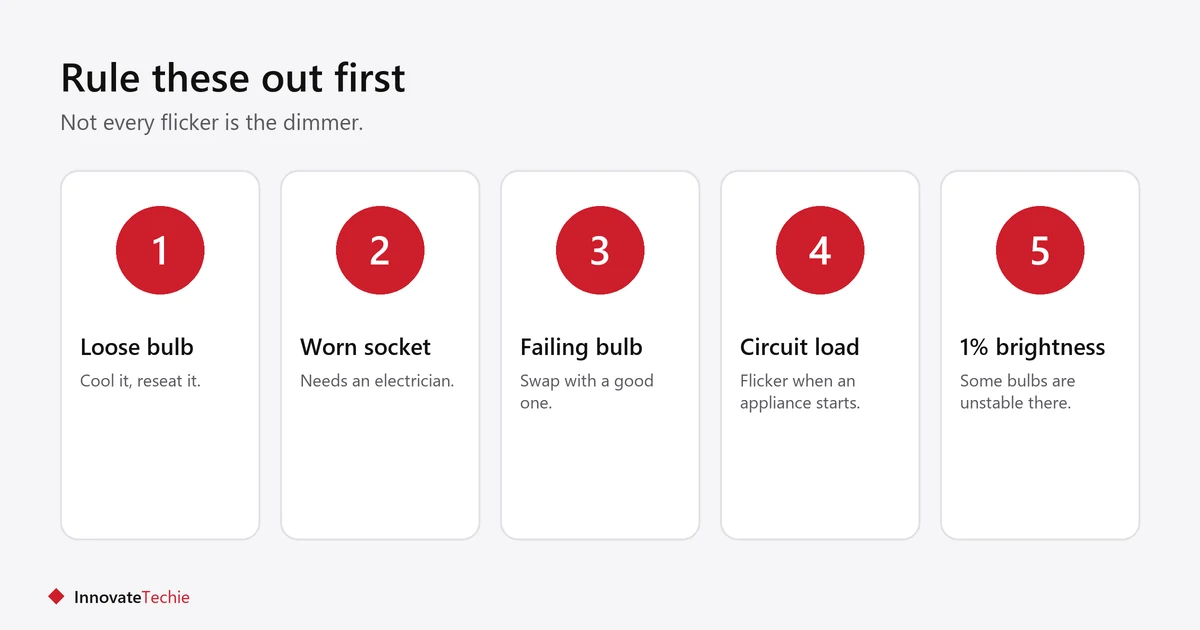
- A loose bulb. Switch off, let it cool, and reseat it firmly.
- A worn socket. A bent centre contact makes intermittent connection. This needs an electrician.
- A failing bulb. Swap it with one from a fitting that works.
- Overloaded circuit. Flicker when a large appliance starts points at the circuit, not the bulb.
- Very low brightness in the app. Some bulbs are unstable at their lowest one or two percent.
- A firmware bug. Update the bulb in the maker’s app.
Choosing bulbs for a house with dimmers
If the dimmers are staying, your options change. Buy for the fitting you actually have.
| Your situation | Best choice |
|---|---|
| You can change the switch | Smart bulbs plus a plain on/off switch |
| You cannot change the switch | Dimmable non-smart LEDs, plus a smart plug on lamps |
| You rent and want control | Smart bulbs in lamps, dimmer left at full |
| You want wall control | A smart switch, with ordinary bulbs |
The choice between bulb and plug is covered in smart bulb vs smart plug, and the U.S. Department of Energy on lighting efficiency explains why LED is worth it regardless.
Related guides
- Smart Bulbs Turn On By Themselves? 7 Real Causes
- Smart Bulbs in a Ceiling Fan: 6 Things to Check
- Smart Bulbs Without a Hub: 7 Checks Before You Buy
Frequently asked questions
Why do my smart bulbs flicker with a dimmer switch?
Because both try to dim the same light. The wall dimmer reduces the power going in, while the bulb expects full power and dims itself electronically. The conflict causes flicker and buzz.
Can you use smart bulbs with a dimmer switch?
Only with the dimmer turned fully up, so the bulb receives full power. The proper fix is to replace the dimmer with a plain on/off switch and dim through the app instead.
Will a dimmer switch damage a smart bulb?
Running a smart bulb on reduced power stresses its electronics and shortens its life, even when it appears to work. It is not usually an instant failure, but it is not harmless either.
Can I use a smart dimmer with a smart bulb?
No. That recreates the same conflict, because both devices dim. Pair a smart dimmer with ordinary dimmable bulbs, or pair smart bulbs with a plain on/off switch.
Does raising the minimum brightness stop the flicker?
Sometimes, on some combinations. Dimmer makers publish the adjustment, while some bulb makers advise against relying on it. If it does not settle within a few minutes of testing, it will not work.
My smart bulb flickers without a dimmer. Why?
Check for a loose bulb, a worn socket, a failing bulb, or very low brightness set in the app. Flicker when a large appliance starts points at the circuit rather than the bulb.
About the author: Hamza Javaid is a web developer and the editor of InnovateTechie. Read our editorial policy.
Last updated: October 2026. Prices, plans and app menus change often, so confirm details on the manufacturer’s page before you buy.
