


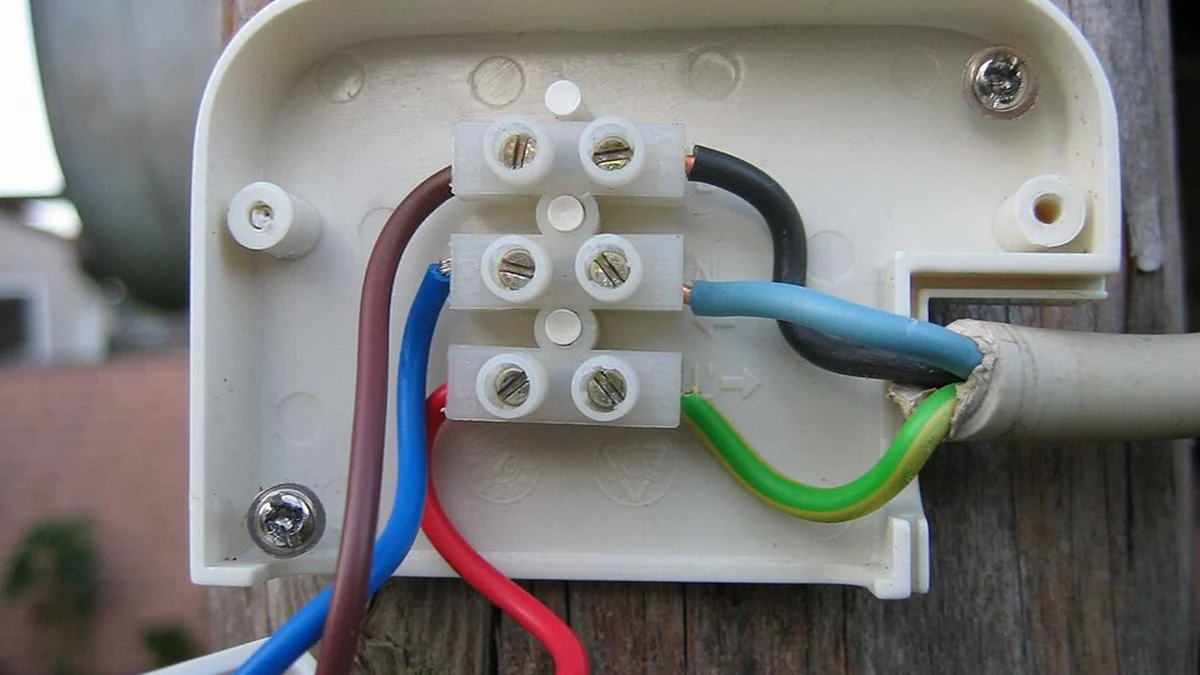
The simplest ways to hide security camera wires are to paint the cable to match the surface, run it inside a stick-on raceway, or tuck it behind a gutter, trim or siding. Running cable inside the wall hides it completely but means drilling.
There is a security reason too: an exposed cable can be cut. This guide covers how to hide security camera wires both indoors and outdoors, in seven methods running from no tools at all to a full in-wall installation.
Table of Contents
Why hide camera wires at all?
Two reasons: appearance and tamper resistance. A visible cable running down a wall is both untidy and the easiest way to disable a wired camera.
- A cut cable disables a wired camera instantly.
- Loose cable degrades faster in sun, frost and wind.
- Trailing cable indoors is a trip hazard.
- Tidy runs are easier to inspect and replace later.
How to hide security camera wires: the 7 methods
These are ordered from easiest to most involved. The first three need no tools and suit renters.
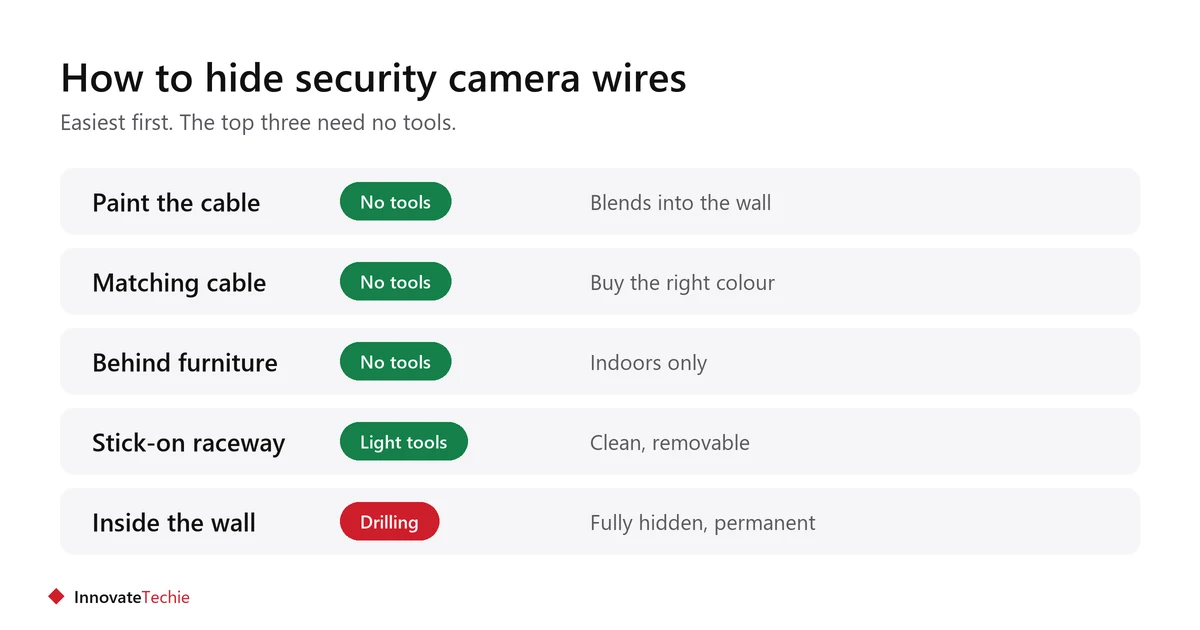
| # | Method | Where it suits | Tools |
|---|---|---|---|
| 1 | Paint the cable | Any wall you may paint | A brush |
| 2 | Buy cable that matches | Any surface | None |
| 3 | Run behind furniture or decor | Indoors | None |
| 4 | Stick-on raceway or channel | Indoors and sheltered outdoors | Scissors, adhesive |
| 5 | Tuck under siding, trim or gutter | Outdoors | Clips |
| 6 | Run behind baseboards | Indoors | Pry bar, care |
| 7 | Inside the wall | Anywhere, permanent | Drill, fish tape |
How do you hide wires without drilling?
Use a stick-on raceway, matching cable or cable clips. All three come off later, which matters in a rental.
- Raceway: a plastic channel with adhesive backing. Cable goes inside and the lid clips shut.
- Matching cable: buy white cable for white walls rather than painting afterwards.
- Adhesive clips: follow a door frame or skirting line so the run looks deliberate.
- Behind furniture: the simplest indoor route, if the camera position allows.
- Clean the surface first and test adhesive on a hidden patch, especially on painted walls.
For a rental, a battery or plug-in camera avoids the problem entirely. See apartment security without cameras.
How do you hide outdoor camera wires?
Follow a line the eye already expects: under the eave, behind the gutter downpipe, along trim, or tucked under the bottom edge of siding.
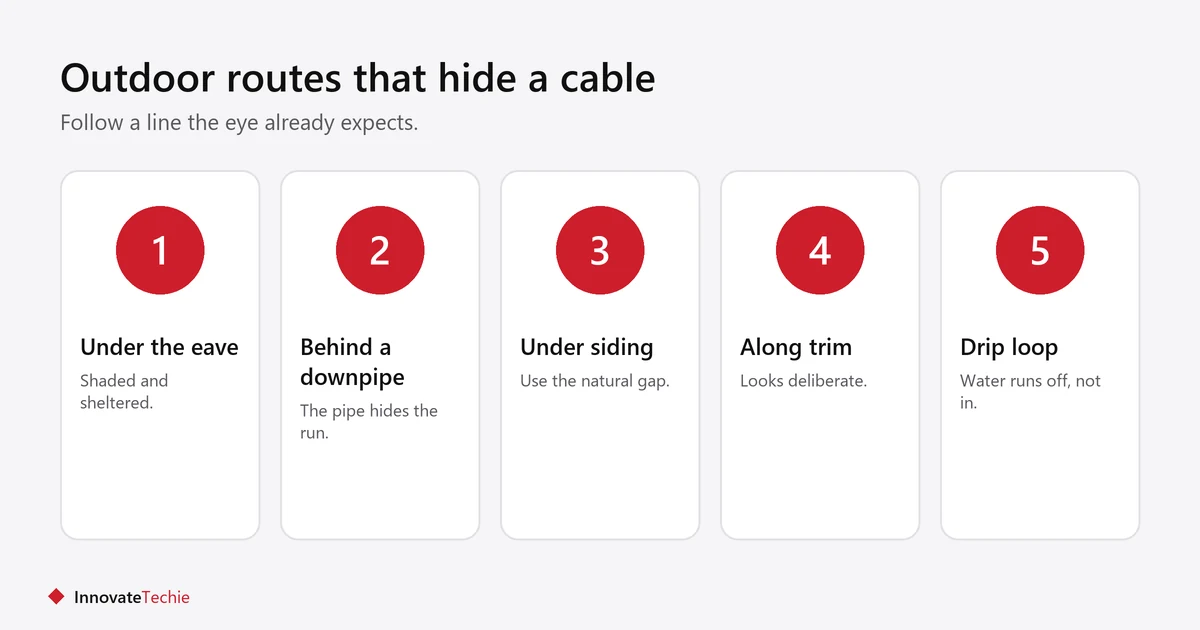
- Run along the underside of an eave, where the cable is shaded and sheltered.
- Clip behind a downpipe so the pipe hides the run.
- Tuck under the lip of siding where there is a natural gap.
- Use outdoor-rated clips and conduit. Indoor raceway will not survive weather.
- Leave a small drip loop before the cable enters any hole, so water runs off rather than in.
What should you check before drilling?
Check what is behind the wall and whether you are allowed to drill at all. This is the step people skip.
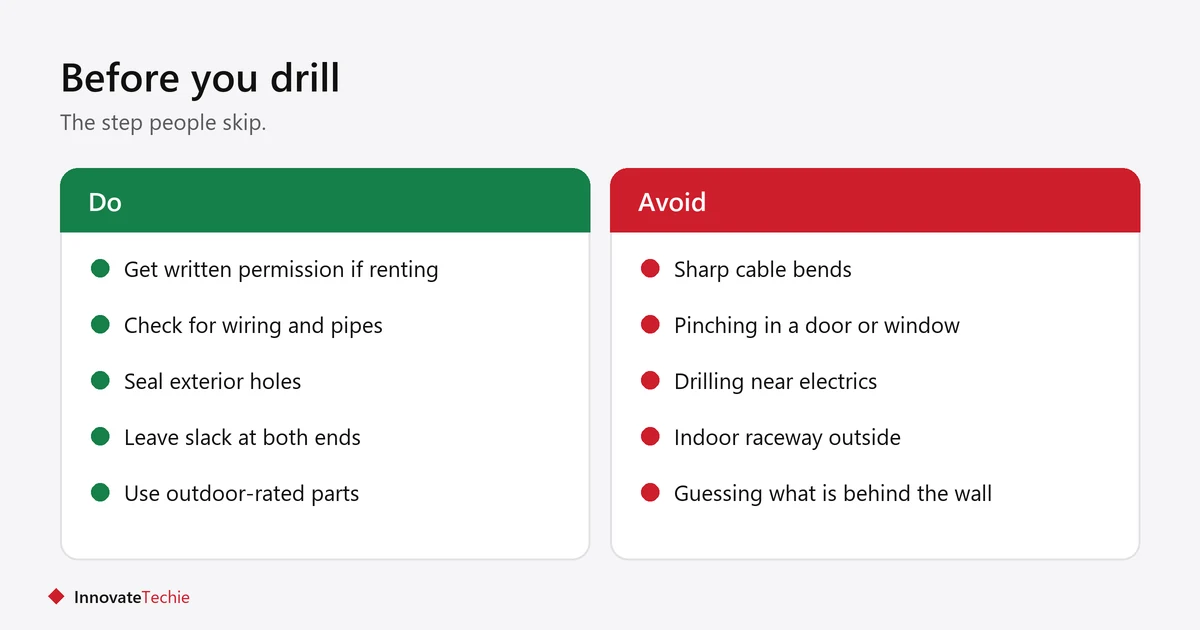
- Renting? Get written permission first. Drilling the exterior is rarely allowed without it.
- Use a detector to check for wiring, pipes and studs before any hole.
- Avoid drilling near electrical runs and anywhere gas pipes may sit.
- Seal every exterior hole with suitable sealant.
- If you are unsure, use a surface method instead, or hire an electrician.
If in doubt, do not drill. Methods 1 to 5 solve most situations without a single hole.
Does hiding the wire affect the camera?
Not if the cable is treated well. Damage comes from sharp bends, pinching and heat rather than from being covered.
- Do not bend cable tighter than the radius stated in the manual.
- Do not pinch cable in a window or door. It fails and it is a security gap.
- Do not run data cable alongside mains power for long distances.
- Leave slack at both ends so the camera can be re-aimed later.
How much cable do you need?
Measure the full route rather than the straight-line distance, then add about 10% plus a little slack at each end. Cable that turns out slightly too short is the most common reason an install stalls halfway.
- Follow the actual path with a tape measure, including every corner and the drop down the wall.
- Leave slack at the camera so it can be re-aimed later, and at the recorder so the connector is not under tension.
- Buy one continuous run rather than joining two lengths. A join is a weak point, especially outdoors.
- Check the maximum run length in the manual. Power over Ethernet and analogue cameras each have limits.
- Label both ends before you tuck anything away, which matters as soon as there is more than one camera.
What about wireless cameras?
Wireless cameras still need power, so most have a cable. Battery and solar models are the only ones with no wire at all.
If running any cable is a problem, choose a battery camera, or see security cameras without wifi for setups that avoid network cabling too. The U.S. Federal Trade Commission also has advice on securing home security cameras.
Related guides
- Where to Place Security Cameras in an Apartment
- Security Camera Without Subscription: 7 Essential Checks
Frequently asked questions
How do I hide security camera wires outside?
The usual answer to how to hide security camera wires outdoors is to run the cable under an eave, behind a downpipe or tucked under the siding lip, using outdoor-rated clips or conduit.
Can I hide camera wires without drilling?
Yes. Use a stick-on raceway, cable that matches your wall colour, or adhesive clips along an existing line such as a door frame or skirting.
Should I paint security camera wires?
Painting the cable to match the surface is a common and effective way to make it blend in. It will not make the cable invisible, but it stops it standing out.
Is it safe to run camera wires inside the wall?
It is, if you check for existing wiring and pipes first and seal any exterior hole. If you are unsure what is behind the wall, use a surface method or hire an electrician.
Can someone cut my security camera wires?
An exposed cable can be cut, which is one reason to hide it. Keeping the camera and its cable out of easy reach helps, and a camera that stores footage indoors survives the camera being disabled.
Do wireless security cameras have wires?
Most still need a power cable, so wireless usually refers to the data connection. Only battery or solar cameras have no cable at all.
About the author: Hamza Javaid is a web developer and the editor of InnovateTechie. Read our editorial policy.
Last updated: October 2026. Prices, plans and app menus change often, so confirm details on the manufacturer’s page before you buy.
