


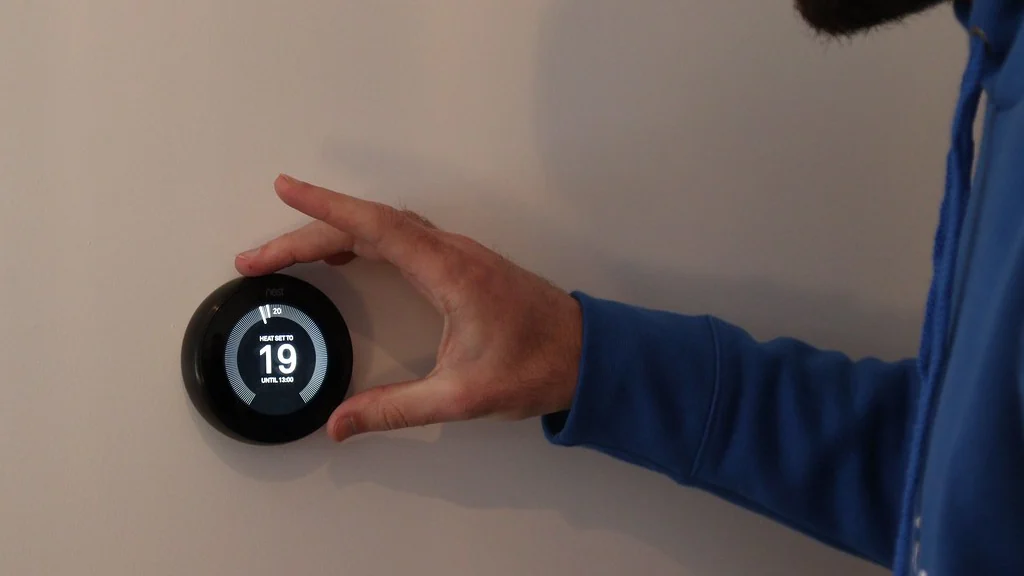
The smart home devices that save money most reliably are smart thermostats and LED smart bulbs, because heating, cooling and lighting are where homes use the most controllable energy. Smart plugs, power strips and sensors help too, but only in the right situation.
This guide ranks six options by how well their savings are documented, shows how to work out payback for your own home, and says plainly where a device will not pay for itself.
Table of Contents
Which smart home devices that save money are worth buying?
Buy in this order: thermostat, LED lighting, energy-monitoring plug, smart power strip, occupancy sensors, leak sensors. The first two cut energy use directly, and the rest stop waste or prevent damage.
| Device | How it saves | Evidence | Best for |
|---|---|---|---|
| Smart thermostat | Heats and cools less when you are out or asleep | ENERGY STAR certifies smart thermostats | Homes with central heating or cooling |
| LED smart bulbs | LEDs use far less electricity than incandescent bulbs | Well documented for LED lighting | Any home still using old bulbs |
| Energy-monitoring plug | Shows what one appliance really uses | You measure it yourself | Finding wasteful appliances |
| Smart power strip | Cuts standby power to a group of devices | Depends on what is plugged in | TV and desk setups |
| Motion or occupancy sensors | Turn lights off in empty rooms | Depends on your habits | Hallways, bathrooms, garages |
| Water leak sensors | Alert you before a leak causes damage | Prevents a repair bill, does not cut energy use | Under sinks and near water heaters |
How much can a smart thermostat save?
There is no single figure that applies to every home. ENERGY STAR says almost half of the average household’s annual energy bill goes to heating and cooling, so a thermostat has more to work with than any other device. Your result depends on climate, your current schedule and how often the home is empty.
- The saving is largest if you currently leave the temperature fixed all day.
- It is smallest if you already adjust a programmable thermostat carefully.
- Check compatibility with your heating and cooling system before buying.
- Ask your utility about rebates, which can cut the purchase price.
- Renters need the landlord’s permission, because the thermostat connects to building wiring.
Do smart bulbs and smart plugs lower your bill?
Smart bulbs lower your bill mainly because they are LEDs, and smart plugs lower it only when they switch off something that would otherwise stay on. Scheduling adds a smaller saving on top.
- Replace the bulbs you use for the most hours each day first.
- Use schedules or motion sensors where lights are often left on.
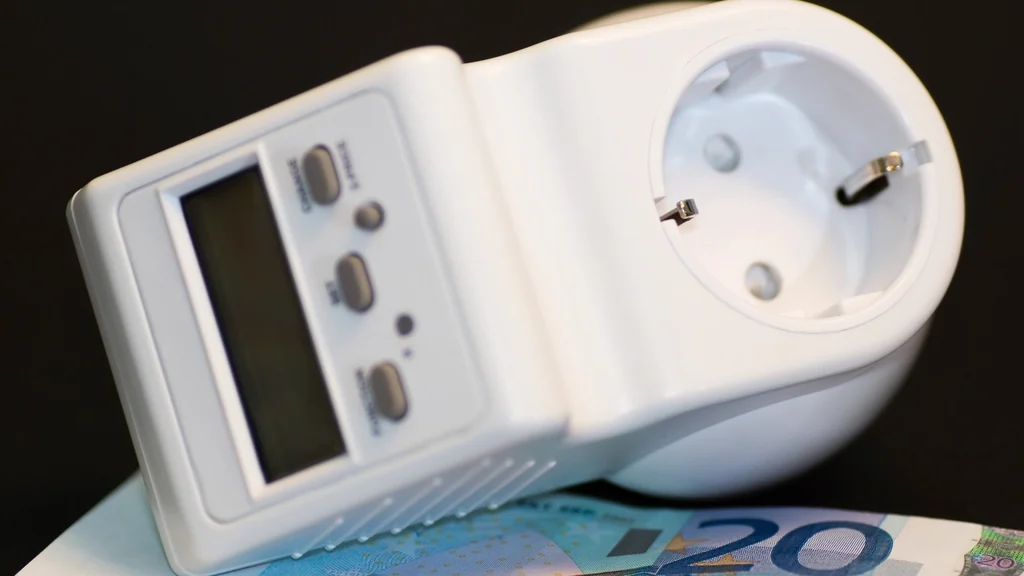
- Use an energy-monitoring plug to measure standby draw before deciding where plugs go.
- Remember that a smart plug uses a little standby power itself.
Practical routines are in our smart plugs and lighting section.
How do you work out the payback on a smart device?
Divide the price you pay by the yearly saving. The answer is the number of years the device takes to pay for itself.
- Find the device price after any rebate.
- Estimate the yearly saving from your own bills or a measured reading.
- Divide the price by the yearly saving.
- Compare the result with how long you expect to keep the device.
| Step | Your figure |
|---|---|
| Price after rebate | Your price |
| Yearly saving | Your estimate |
| Payback in years | Price divided by yearly saving |
If the payback is longer than the time you will live in the home, the device is a convenience purchase, not a money-saving one.
Which smart home devices do not save money?
Devices bought for convenience, such as smart speakers, displays, cameras and robot vacuums, add a small amount to your electricity use. They can be worth owning, but not as a way to cut bills.
- A smart plug on a device that already draws almost nothing in standby.
- Color-changing bulbs bought to replace LEDs you already have.
- Any device with a subscription that costs more than it saves.
- A smart thermostat in a home where you cannot control the heating.
How can renters use smart home devices that save money?
Renters can use LED smart bulbs, energy-monitoring plugs and smart power strips without permission, and take them along when they move. A thermostat needs the landlord’s agreement.
Only the devices that affect a bill you pay yourself will save you money. See smart home ideas for renters for what installs without drilling, and our guide to a smart home on a budget for a full starter list.
Energy-saving checklist
- Check which bills you actually pay.
- Replace the most-used old bulbs with LEDs first.
- Measure one appliance with an energy-monitoring plug.
- Look up utility rebates before buying a thermostat.
- Work out the payback before every purchase.
- Avoid any device whose plan costs more than it saves.
How do you find out what is wasting electricity?
Measure it with an energy-monitoring plug, one appliance at a time. A week of readings shows what each device uses when it is on and when it only looks off.
- Plug the monitoring plug into the wall, and the appliance into the plug.
- Leave it for a week of normal use.
- Note the watts while running and while in standby.
- Multiply watts by hours used, divide by 1,000, then multiply by your price per kilowatt-hour.
- Move the plug to the next appliance and repeat.
Your price per kilowatt-hour is printed on your electricity bill. The appliances that surprise people are usually the ones that are never fully off, such as set-top boxes, games consoles and old chargers.
Do smart home devices that save money help with time-of-use rates?
They can if your utility charges less at certain hours. Schedules let you move flexible loads to the cheaper period without thinking about it each day.
- Check your bill or your utility’s website to see whether you are on a time-of-use plan.
- Schedule flexible appliances on smart plugs, such as a dehumidifier, for cheaper hours.
- Set the thermostat to heat or cool a little before the expensive period starts.
- Leave appliances that must run continuously, such as a refrigerator, alone.
If you pay one flat rate all day, shifting the time of use saves nothing, and only using less energy lowers the bill.
Which other smart devices can lower bills?
Smart blinds, smart ceiling fans and smart sprinkler controllers can each trim a bill, but the saving depends heavily on your home and climate. Treat them as second-stage purchases.
- Smart blinds and shades: closing them in summer sun and opening them in winter sun reduces the work your heating and cooling must do.
- Smart ceiling fans: a fan lets you set the thermostat a little higher in summer and still feel comfortable.
- Smart sprinkler controllers: they skip watering when rain is forecast, which lowers water use if you have a lawn.
- Geofencing: a thermostat or lights can switch to an away setting when everyone’s phone has left home.
None of these has savings as well documented as a thermostat or LED lighting, so work out the payback before you buy.
Related guides
Frequently asked questions
What smart home devices that save money should I buy first?
Start with LED smart bulbs in the lights you use most, then a smart thermostat if you control your own heating and cooling. Both have well-documented savings.
Does a smart thermostat really save money?
It can, because heating and cooling are the largest part of most energy bills. The saving depends on your climate and how you set the temperature now, so work out the payback for your own home.
Do smart plugs use electricity when they are off?
Yes, a small amount, because they stay connected to Wi-Fi. They save money only when they switch off an appliance that would use more than that in standby.
How long does a smart thermostat take to pay for itself?
Divide the price after any rebate by your yearly saving. The answer in years varies with your energy prices and how much heating and cooling you use.
Can smart home devices lower my home insurance?
Some insurers offer discounts for leak sensors or security devices. Ask your own insurer, because discounts vary and are not guaranteed.
Do smart bulbs save more than normal LED bulbs?
Only slightly. Most of the saving comes from the LED itself. Schedules and motion sensors add a little by turning lights off when nobody needs them.
About the author: Hamza Javaid is a web developer and the editor of InnovateTechie. Read our editorial policy.
Last updated: October 2026. Prices, plans and app menus change often, so confirm details on the manufacturer’s page before you buy.
