


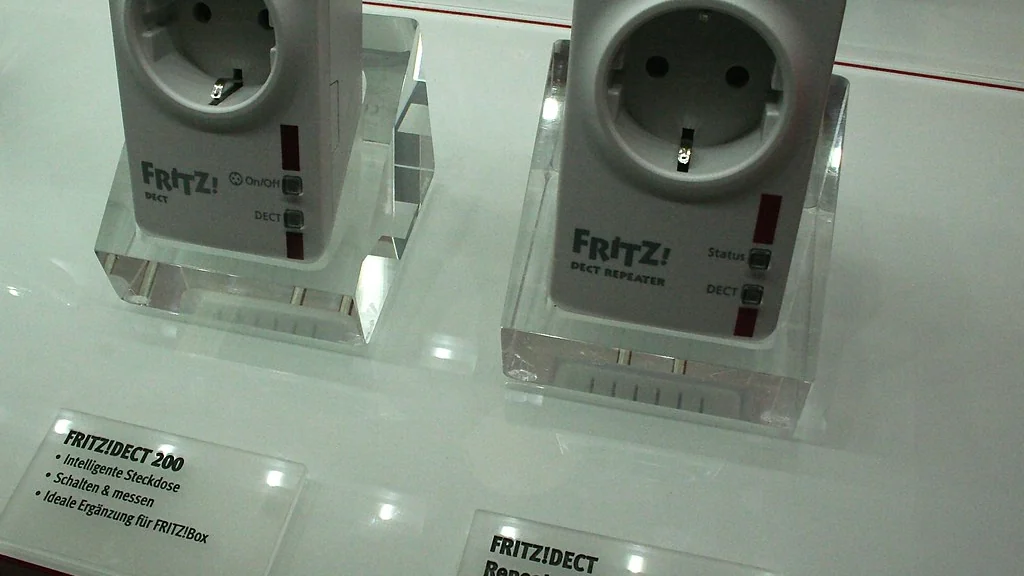
The most useful smart plug ideas put a simple on-off device on a schedule or routine: a lamp at sunset, a fan at bedtime, a coffee maker in the morning. A smart plug works with any appliance that starts as soon as it gets power, and it needs no hub.
Below are 12 routines grouped by room, the rules for what is safe to plug in, and step-by-step setup for a schedule and a voice routine.
Table of Contents
What can a smart plug actually do?
A smart plug switches the power to one outlet on and off from an app, a schedule, a voice command or a routine. It cannot change settings on the appliance, so the appliance must have a physical switch that stays in the on position.
- Schedules: on and off at set times, or at sunrise and sunset.
- Timers: off after a set number of minutes.
- Voice control: through Alexa, Google Assistant or Siri.
- Routines: one trigger controls several devices together.
- Away mode: some plugs switch a lamp at varied times while you are out.
- Energy monitoring: some plugs report how much electricity the appliance uses.
A quick test before you buy: unplug the appliance while it is running, then plug it back in. If it resumes on its own, it will work with a smart plug.
What are the best smart plug ideas for each room?
The best ideas solve something you do by hand every day. These 12 are grouped by room, with the trigger and the result.
| Room | Appliance | Routine |
|---|---|---|
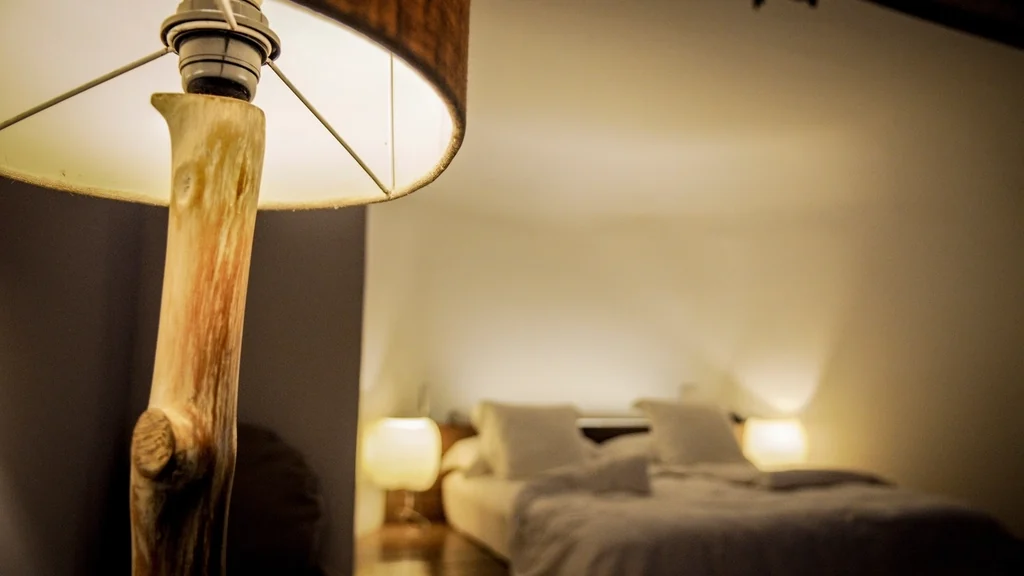
| Bedroom | Bedside lamp | Turns on 15 minutes before your alarm, off at bedtime |
| Bedroom | Fan or white-noise machine | On at bedtime, off after you usually wake |
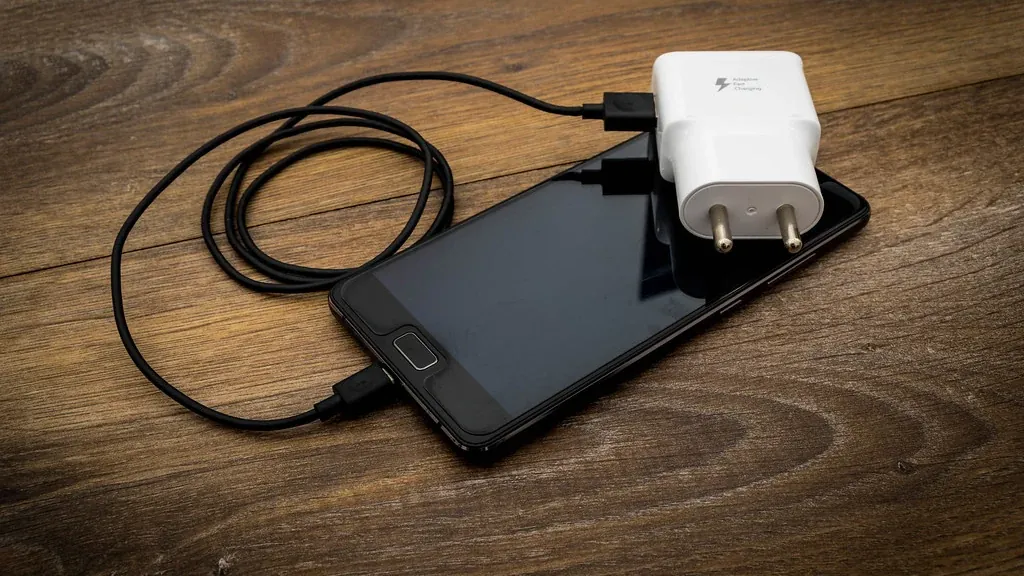
| Bedroom | Phone and tablet chargers | Power off overnight after a set charging window |
| Living room | Floor lamp | On at sunset, off at a fixed time |
| Living room | TV and games console strip | Off overnight to cut standby power |
| Living room | Lamp near a window | Away mode while you are on a trip |
| Kitchen | Drip coffee maker with a manual switch | On at a set time on weekdays |
| Kitchen | Slow cooker with a manual dial | Starts when you tell it to from the app |
| Home office | Monitor, printer and speakers | Off at the end of the working day |
| Hallway | Plug-in night light or lamp | On from dusk to dawn |
| Anywhere | Holiday and string lights | On at sunset, off at bedtime |
| Anywhere | Dehumidifier or air purifier with a manual switch | Runs during cheaper or quieter hours |
Only leave cooking appliances on a schedule if the manufacturer says they are safe to run unattended, and never start one remotely unless you know it is set up correctly.
What should you never plug into a smart plug?
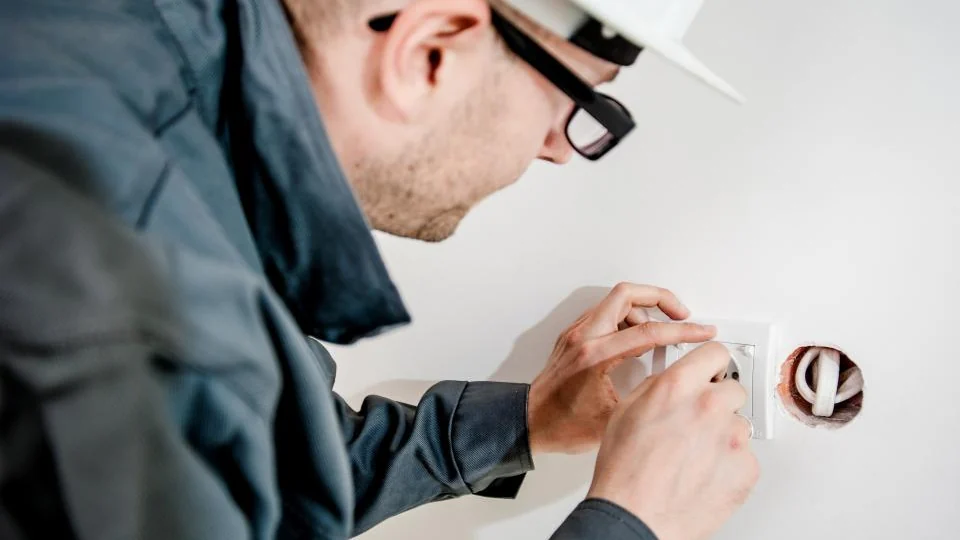
Never use a smart plug with an appliance that draws more than the plug’s rated load, or one that is unsafe to start when nobody is present. The rating is printed on the plug and listed on the product page.
- Space heaters and other high-wattage heating appliances, unless the plug is specifically rated for them.
- Air conditioners, refrigerators and freezers, which have compressors and high start-up draw.
- Irons, hair straighteners and other heat tools.
- Medical equipment of any kind.
- Anything that needs a button press to start after power returns.
- Indoor-only plugs outdoors. Use a plug rated for outdoor use.
For general guidance on outlets and overloads, see the Electrical Safety Foundation.
How do you set up a smart plug schedule?
Set up a schedule in the plug maker’s app in a few minutes. The steps are almost identical across brands.
- Plug in the smart plug and add it in the manufacturer’s app.
- Name it after the appliance, such as “Bedroom Lamp”.
- Open the plug in the app and choose Schedule.
- Pick an on time and an off time, or choose sunset and sunrise.
- Select the days of the week.
- Save, then test by setting a time two minutes ahead.
How do you turn smart plug ideas into voice routines?
Link the plug to Alexa, Google Home or Apple Home, then create a routine that runs when you say a phrase or at a set time. A routine lets one command control several plugs and lights together.
- “Good morning”: bedside lamp on, coffee maker on, weather report.
- “Good night”: all lamps off, fan on, chargers off.
- “I’m leaving”: every plug off except the ones you mark as always-on.
- “Movie time”: floor lamp off, TV strip on.
Step-by-step instructions are in our guide to voice assistants and routines.
Do smart plugs save electricity?
They can, but only when they switch off something that would otherwise stay on. The plug itself uses a small amount of standby power, so it will not pay back on a device that already draws almost nothing.
An energy-monitoring plug shows the real figure for one appliance, which is the reliable way to decide. Our section on energy saving tech covers this in detail.
How do you choose a smart plug?
Choose by load rating, size, hub requirement and ecosystem support. Price differences between basic plugs are small, so these four points matter more.
| Feature | What to check |
|---|---|
| Load rating | Higher than the appliance draws, with margin |
| Size | A compact plug leaves the second outlet free |
| Connection | Wi-Fi needs no hub |
| Ecosystem | Works with the assistant you use, or carries the Matter logo |
| Energy monitoring | Worth having on at least one plug |
| Outdoor rating | Required for anything outside |
New to all this? Start with our guide to a smart home on a budget.
Which smart plug ideas work outdoors?
Outdoor smart plug ideas include string lights at sunset, a fountain pump during the day and holiday decorations on a timer. Use only a plug that the manufacturer rates for outdoor use.
- Plug into a covered outdoor outlet with ground-fault protection.
- Keep the plug off the ground and facing down where the instructions say so.
- Check that your Wi-Fi reaches the outlet before you buy.
- Use a sunset schedule so the timing follows the seasons.
- Unplug and store the plug if the maker says it is not for year-round use.
Why do smart plug ideas sometimes fail?
Most failures come from weak Wi-Fi, an appliance that needs a button press, or a schedule set for the wrong days. Check them in that order.
- Move the plug closer to the router, or check that the 2.4 GHz network is switched on.
- Confirm the appliance starts by itself when power returns.
- Open the schedule and check the days, the time zone and the sunset setting.
- Make sure a wall switch is not cutting power to the outlet.
- Check that the appliance is within the load rating printed on the plug.
- Remove the plug from the app and add it again if it stays offline.
When a routine fails, run the plug by hand in the app first. If that works, the problem is the routine and not the plug.
What are good smart plug ideas for families?
Families use smart plugs for screen-time limits, charging cut-offs and lights that respond to movement. Each one replaces a daily reminder with a schedule.
- Tech curfew: cut power to a games console or TV at a set time on school nights, with a later time at weekends.
- Charging cut-off: stop power to a cordless vacuum or e-bike charger after a fixed charging window. Follow the battery maker’s charging instructions.
- Motion-triggered lamp: pair a plug with a motion sensor so a hallway lamp comes on only at night.
- Warning before shut-off: flash a lamp a few minutes before the TV plug turns off, so nobody is cut off mid-game without notice.
A plug that removes power does not replace parental controls on the device itself. Use both.
Related guides
Frequently asked questions
What are some good smart plug ideas for beginners?
Start with a lamp that turns on at sunset, a fan that turns off after you fall asleep, and a coffee maker that starts on weekday mornings. Each uses a simple schedule and needs no hub.
Can I plug a space heater into a smart plug?
Not unless the plug is specifically rated for the heater’s load and the heater maker allows it. Heaters draw a lot of power and should not be started when nobody is in the room.
Do smart plugs work with Alexa and Google Home?
Most do. Check the product page for the assistants it supports, or look for the Matter logo, which is designed to work with Alexa, Google Home and Apple Home.
Do smart plugs work without Wi-Fi?
Most Wi-Fi smart plugs need Wi-Fi for app and voice control. Many keep running schedules already saved on the plug during a short outage, but this varies by brand.
Will a smart plug turn my coffee maker on in the morning?
Yes, if the coffee maker has a manual switch that stays on. Fill it the night before, leave the switch on, and schedule the plug to give it power in the morning.
How many smart plugs do I need?
Two or three cover the most useful routines in a small home. Add more only when you can name the appliance and the routine you want for it.
About the author: Hamza Javaid is a web developer and the editor of InnovateTechie. Read our editorial policy.
Last updated: October 2026. Prices, plans and app menus change often, so confirm details on the manufacturer’s page before you buy.
