


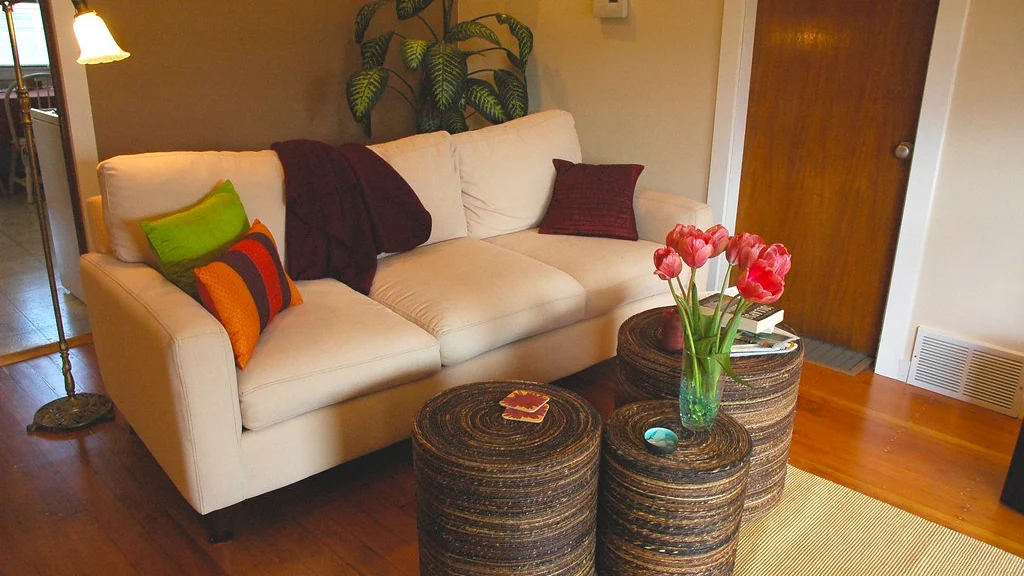
The best smart home ideas for renters are devices that plug in, screw into an existing socket or stick on with removable adhesive: smart plugs, smart bulbs, a smart speaker, battery sensors and a plug-in camera. None of them alter the apartment, and all of them leave with you on moving day.
This guide lists nine upgrades in order of cost and effort, explains which ones need your landlord’s permission, and ends with a move-out checklist so you get your deposit back.
Table of Contents
What makes a smart home idea renter-friendly?
A renter-friendly device needs no drilling, no rewiring and no permanent change to the unit. If you can install it with your hands and remove it without a trace, it is safe for a rental.
- Plug-in: it uses a wall outlet or USB power.
- Screw-in: it fits a lamp or ceiling socket you already have.
- Stick-on: it mounts with removable adhesive strips.
- Battery-powered: it needs no cable run.
- Portable: it works on any Wi-Fi network, so it moves with you.
If you are starting from nothing, read our guide to a smart home on a budget first. It covers ecosystems, hubs and monthly fees.
What are the best smart home ideas for renters?
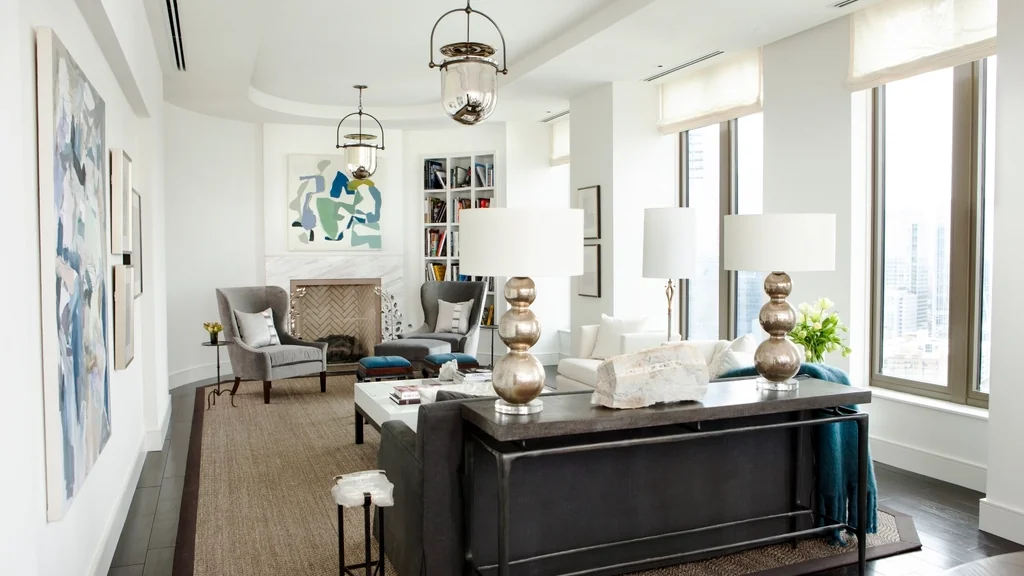
The nine ideas below are ordered from cheapest and simplest to those that need a conversation with your landlord. Start at the top and stop when your daily annoyances are solved.
| # | Upgrade | How it installs | Landlord permission |
|---|---|---|---|
| 1 | Smart plugs for lamps and fans | Plugs into an outlet | No |
| 2 | Smart bulbs | Screws into an existing socket | No |
| 3 | Smart speaker or display | Sits on a shelf | No |
| 4 | Adhesive LED light strips | Removable adhesive backing | No, but test the adhesive first |
| 5 | Battery door and window sensors | Removable adhesive strips | No |
| 6 | Plug-in indoor camera | Sits on a shelf | No, inside your own unit |
| 7 | Smart remote for a window or portable air conditioner | Sits near the unit | No |
| 8 | Battery video doorbell | Adhesive or no-drill mount | Usually yes |
| 9 | Retrofit smart lock | Fits over the inside of the existing deadbolt | Yes |
Which smart home upgrades need landlord permission?
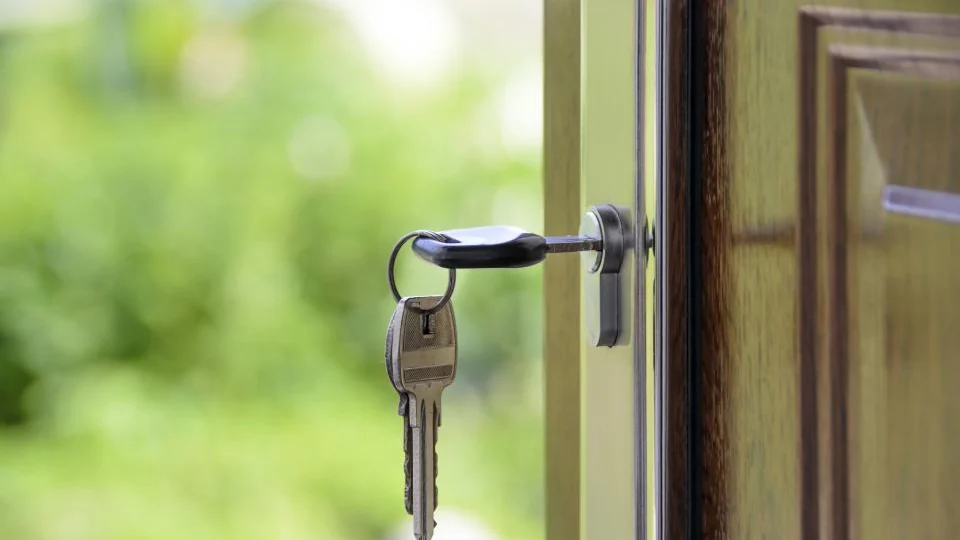
Anything that touches the wiring, the door hardware or the outside of the building needs permission. Ask in writing and keep the reply.
- Smart thermostats, because they connect to the building’s heating and cooling wiring.
- Hardwired video doorbells and smart light switches.
- Smart locks, because the landlord usually needs a working key or code.
- Cameras or doorbells that face a shared hallway or another tenant’s door.
When you ask, say that you will keep the original parts and restore them before you leave. Read your lease for clauses on alterations, door hardware and cameras.
How do you add smart lighting without changing switches?
Use smart bulbs or smart plugs, and leave the wall switch on. A smart bulb only works while the switch supplies power, which is the most common reason renters think their bulbs are broken.
- Use a smart bulb where a ceiling light or lamp has no dimmer.
- Use a smart plug for lamps with special or decorative bulbs.
- Add a stick-on wireless button or remote if guests keep turning the wall switch off.
- Do not put smart bulbs on a circuit controlled by an old dimmer switch.
More ideas are in our smart plugs and lighting section.
How can renters add security without drilling?
Renters can add security with a plug-in indoor camera, adhesive door and window sensors and a smart speaker that can sound an alert. All three work without a subscription if you choose devices with local storage.
Point indoor cameras only at your own space, and tell housemates and guests that they are there. Rules on recording audio and shared areas differ by state and country, so check the law where you live.
See budget home security for how to choose a camera with no monthly fee.
Does apartment Wi-Fi cause problems for smart devices?
It can. Apartment buildings have many overlapping networks, and most low-cost smart devices use the crowded 2.4 GHz band, so weak signal shows up as devices going offline.
- Place the router in the open, near the middle of the apartment.
- Keep smart plugs and bulbs within a room or two of the router.
- Buy devices with the Matter logo where you can, so they are easier to move to another ecosystem later.
- If your building supplies shared Wi-Fi with a login page, most smart devices will not connect to it. Ask whether you can use your own router.
What should you do with smart devices when you move out?
Remove every device, reset it and put the original fittings back. A forgotten smart bulb or a device still linked to your account is a privacy problem for you and a nuisance for the next tenant.
- Remove each device from its app, then factory reset it.
- Put the original bulbs, lock parts and doorbell back.
- Peel adhesive strips slowly, pulling parallel to the wall.
- Delete saved Wi-Fi details from any device you are leaving or selling.
- Photograph the walls and doors after removal, for your deposit records.
Smart home ideas for renters: quick checklist
- Buy plug-in, screw-in, stick-on or battery devices.
- Leave wall switches on for smart bulbs.
- Ask in writing before touching wiring, locks or shared areas.
- Keep every original part in a labeled bag.
- Choose local storage to avoid monthly fees.
- Reset and remove everything before you hand back the keys.
Which smart home ideas for renters cost the least?
Smart plugs and smart bulbs cost the least, and neither needs a hub or a subscription. One of each is enough to learn how schedules and voice control work before you spend more.
- Buy for one room first, usually the bedroom or living room.
- Compare the price per device in multi-packs.
- Choose Wi-Fi devices so there is no hub to buy.
- Skip any device that needs a paid plan for its main feature.
- Add a speaker only when you want hands-free voice control.
The costliest renter upgrades are video doorbells and retrofit locks, and both usually need permission as well. Leave them until the cheap ideas have proved their worth.
How do you share smart devices with roommates?
Invite roommates to the home in the app, and never share your account password. Each person then controls the devices from their own phone, and you can remove someone when they move out.
- Name devices by room, so everyone knows which lamp is which.
- Agree in advance on any camera in a shared room, or leave shared rooms without one.
- Keep personal devices, such as a bedroom speaker, on your own account.
- Remove former roommates from the home and change the Wi-Fi password when they leave.
These smart home ideas for renters work best when everyone in the apartment knows what is installed and how to turn it off.
How can renters make an air conditioner or heater smart?
Use an infrared smart remote, sometimes called an IR blaster, for any unit that came with a handheld remote. It sits on a shelf, copies the remote’s signals and lets you control the unit from an app or by voice.
- It works with many window units, portable air conditioners and mini-split systems that use an infrared remote.
- It needs a clear line of sight to the unit.
- It leaves the landlord’s thermostat and wiring untouched.
- Do not put an air conditioner or heater on a basic smart plug, because of the high power draw.
Can renters have a wall control panel without drilling?
Yes. Stand an old tablet or a smart display on a shelf or counter and use it as the control panel. It gives everyone in the apartment one place to see and control the devices, with nothing fixed to the wall.
It is one of the simplest smart home ideas for renters who share a flat, because guests and roommates can use it without installing an app.
Frequently asked questions
What smart home devices can I use in an apartment without drilling?
Smart plugs, smart bulbs, smart speakers, plug-in cameras and battery sensors with adhesive mounts all work without drilling. They install by hand and remove without leaving marks.
Can my landlord stop me from using smart home devices?
A landlord can usually restrict changes to wiring, locks and the outside of the building. Devices that plug in or sit on a shelf inside your unit are normally your own business, but check your lease.
Can I install a smart thermostat in a rental?
Only with your landlord’s permission, because it connects to the building’s wiring. Keep the original thermostat so it can be put back when you leave.
Will smart bulbs work if someone turns off the light switch?
No. A smart bulb needs power from the switch to respond. Leave the switch on and use the app, your voice or a stick-on wireless button instead.
Can I take my smart home devices with me when I move?
Yes. Plug-in, screw-in and adhesive devices are yours to take. Remove them from the app, reset them, and set them up again on your new Wi-Fi network.
Are smart home ideas for renters expensive?
They do not have to be. A single smart plug or bulb is one of the cheapest smart devices you can buy, and neither needs a hub or a subscription.
About the author: Hamza Javaid is a web developer and the editor of InnovateTechie. Read our editorial policy.
Last updated: October 2026. Prices, plans and app menus change often, so confirm details on the manufacturer’s page before you buy.
